Software comparison
BasinCheck vs SALUS: field safety workflows
SALUS focuses on operational safety for construction contractors, with connected field records and documented offline workflows. BasinCheck focuses on safety inspections, JSAs and follow-up. Test the same crew workflow in both.
By BasinCheck, a vendor included in this comparison. Public documentation checked . No comparative hands-on benchmark.
How do BasinCheck and SALUS compare?
As of November 2026, SALUS offers construction-focused safety workflows and documents offline field records. BasinCheck focuses on field safety records and corrective actions. Compare the same forms, offline workflow and quoted rollout scope.
Compare the work you need to do
SALUS documents offline forms, inspections, incidents, photos and signatures. BasinCheck supports offline work in its audit, JSA and incident workflows. Prepare the same field record in each product, disconnect, capture evidence and verify sync after reconnecting.
| Decision | SALUS | BasinCheck |
|---|---|---|
| Published scope | Field forms and inspections; Incidents, equipment and worker records; Documented offline workflows and later sync; Construction contractor and project workflows | Inspections, JSAs, meetings and training records, corrective actions, incidents and OSHA 300/300A documentation. |
| Team fit | Construction contractors connecting safety records across crews and projects | Oilfield and industrial teams that need focused field safety workflows and scoped changes. |
| Price model | Tailored quote based on crew, workflows and rollout scope. | Company plans with unlimited users and monthly field-record limits. |
| Check before buying | Compare the quoted scope, offline records, project access, integrations and implementation. | Confirm record volume, offline workflow and any custom work. BasinCheck is not a full EHS suite and does not guarantee compliance. |
Test the dead-zone workflow
SALUS documents locally saved offline forms, inspections and media. Confirm which records must be prepared in advance, then test the same work, photos and sync status in BasinCheck.
Compare projects and rollout
SALUS scopes pricing around people, sites, workflows and implementation. Show both vendors an existing form, crew access requirements and the customer report you need, then compare their written proposals.
Price the same scope before comparing totals
SALUS provides tailored pricing rather than fixed public tiers. Its pricing page says quotes reflect crew and site footprint, workflows, setup, integrations and support. Request a written first-year and renewal quote for your actual scope.
Founding Customer monthly prices, subject to availability and eligibility: Starter $149 for 50 field records; Standard $299 for 150; Pro $599 for unlimited field records. All include unlimited users. Check the pricing page for current availability, regular rates and annual options. Tailored onboarding and custom development require an agreed scope and quote. Check current BasinCheck pricing.
A comparable first-year total includes the subscription for the required seats or record volume, implementation, data migration, training, integrations and contracted support. Mark an unquoted item as unknown, rather than assigning a guessed fee. Ask for renewal pricing separately.
Rollout time depends on the agreed scope, data and acceptance tests. Ask both vendors to commit to milestones for your pilot. This page does not establish that either vendor deploys faster.
Which team fits each product?
Keep SALUS on the shortlist when
You need construction-focused safety workflows connecting crews, projects and worker records, and the quoted setup and integrations fit your operation.
Consider BasinCheck when
You want inspections, JSAs, incidents and corrective actions in a focused field safety system, with unlimited users and plans based on monthly field-record volume. Bring your forms and agree the scope of any custom work.
Choose a wider platform when your requirements include full occupational health, environmental, quality or sustainability programs. Configurable templates do not establish that BasinCheck covers those disciplines.
Keep the structure your crew already knows
Start with the documents you use today. In tailored onboarding, we map each form to the right record type, agree the wording and section order, and review a completed example with your supervisors. A JSA should keep its job steps, hazards and controls. An inspection should keep the questions and document references your team relies on.
Bring one change you expect to need after rollout, such as a customer-specific report field or approval step. Discuss it directly with BasinCheck's founder and agree the scope, cost and acceptance test. As your crew starts using the forms, bring their feedback to the same person who helps shape the product.
For oilfield work, test an SPCC inspection through evidence capture and corrective-action closeout. SPCC inspection records support your existing plan; BasinCheck does not author or certify that plan. H₂S Release plume mapping snapshots are available through organization-enabled beta access for screening and drills. They do not replace gas monitors, contingency plans or emergency response procedures.
Plan your move from paper forms. Explore the SPCC inspection checklist.
Use a real workflow as the acceptance test
- Complete the same inspection and capture a photo without service.
- Reconnect and verify the record, photo and assigned follow-up.
- Quote the same crews, sites, setup, integrations and support.
For a customization request, record when the vendor accepted the scope, the quoted cost, the promised delivery date and the actual accepted result. Compare the same change in both products. An easy template edit and a new integration are different jobs.
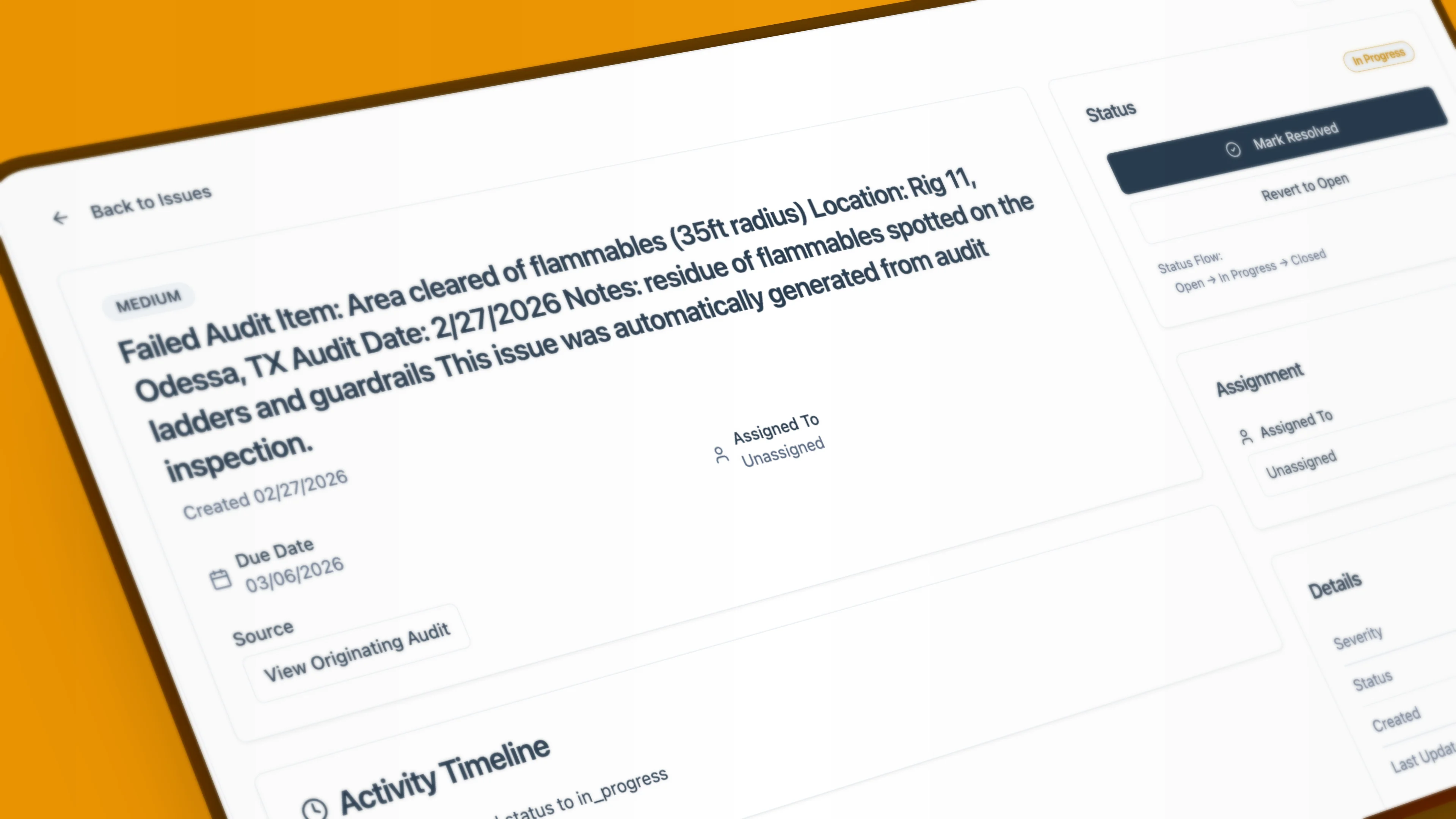
Before switching
Inventory templates, open actions, incident records, photos, assets and retention obligations. Test one exported record and its evidence before importing a full history. Agree field mapping, permissions, migration cost and rollback. A successful pilot does not prove that every historic record transfers automatically.
Sources and evidence limits
Official product and pricing pages establish published scope, not measured usability or implementation performance. Unconfirmed capabilities are questions for a demo, not missing-feature claims. Prices, package boundaries and availability can change.
Buyer questions
How do BasinCheck and SALUS compare?
As of November 2026, SALUS offers construction-focused safety workflows and documents offline field records. BasinCheck focuses on field safety records and corrective actions. Compare the same forms, offline workflow and quoted rollout scope.
How does SALUS pricing work?
SALUS provides tailored pricing rather than fixed public tiers. Its pricing page says quotes reflect crew and site footprint, workflows, setup, integrations and support. Request a written first-year and renewal quote for your actual scope.
When should a team choose SALUS?
You need construction-focused safety workflows connecting crews, projects and worker records, and the quoted setup and integrations fit your operation.
Is BasinCheck a full enterprise EHS replacement?
No. BasinCheck focuses on inspections, corrective actions, incidents and OSHA 300/300A documentation. Keep a wider suite on your shortlist if you need occupational health, environmental reporting, quality management or complex corporate governance.
Can BasinCheck preserve our existing paper forms?
Bring your inspection checklists, JSA documents and reporting requirements to founder-led onboarding. We map them into suitable BasinCheck workflows and review the wording, sections and outputs with your supervisors. Agree scope, cost and acceptance criteria. This does not promise exact PDF layout reproduction or automatic conversion of every document.
How does BasinCheck save unfinished drafts?
Created online draft audits already autosave checklist statuses and notes. Supported offline audit, JSA and incident editors save drafts on your device. We are finalizing expanded automatic draft saving for additional record forms. Until that rollout is complete, use Save Draft where available and check the save status before leaving a form. Saving a draft does not submit it or complete an approval.