
Equipment inspection apps with QR code scanning solve a specific workflow problem: a technician walks up to a piece of equipment, scans a code, and instantly sees the full inspection history, launches the correct checklist, captures photo evidence, and logs the results — all from a phone. No searching through spreadsheets, no flipping through binder tabs, no guessing which checklist applies to which asset. Scan, inspect, done.
For equipment-heavy operations — oilfield rigs with BOP stacks and pressure vessels, construction sites with cranes and rigging, manufacturing plants with production lines — the shift from paper to digital inspection isn't about convenience. It's about compliance. Regulatory bodies (OSHA, BSEE, API) require documented inspection records with dates, findings, and corrective actions. Paper records get lost, damaged, or filed incorrectly. Digital records with timestamps, GPS tags, and photo evidence create an audit trail that regulators can actually verify.
We evaluated each tool below on the question field teams actually ask: "Does this make my inspection rounds faster and my records more reliable?" Here's what we found, ranked by field usability and inspection depth.
| # | Product | Best for | Pricing |
|---|---|---|---|
| 1 | MaintainX | Frontline teams transitioning from paper to digital inspections who need the most intuitive mobile experience — QR codes that launch specific inspection procedures automatically | Free plan (unlimited work orders); Essential from $16/user/month; Premium $49/user/month; Enterprise custom |
| 2 | SafetyCulture | Safety and compliance teams who need inspection-first workflows with the deepest template library — best for teams where inspections drive compliance records, not maintenance schedules | Free plan (up to 10 users); Premium from $24/seat/month (billed annually); Enterprise custom |
| 3 | BasinCheck | Oil and gas contractors who need equipment inspections integrated with safety management — QR scanning, inspection checklists, incident tracking, and OSHA compliance in one flat-priced platform | From $149/mo (flat team pricing — Starter: $149, Standard: $299, Pro: $599, Enterprise: $1,200+; no per-user fees) |
| 4 | UpKeep | Small-to-mid-sized maintenance teams (under 200 employees) who need QR-coded asset management with parts inventory and work order workflows — a strong all-in-one CMMS with good mobile execution | Lite: $20/user/month; Starter: $45/user/month; Professional: $75/user/month; Business+: $120/user/month; free trial available |
| 5 | Limble CMMS | Teams that prioritize ease of use above all else — the simplest CMMS to implement for organizations switching from paper-based or spreadsheet-based equipment tracking | Free plan available; Standard: $28/user/month; Premium+: $69/user/month; Enterprise custom; 14-day free trial |
| 6 | Fiix by Rockwell | Asset-dense operations that need enterprise CMMS capabilities with Rockwell Automation integrations — best for manufacturing and industrial facilities with IIoT and ERP integration needs | Free plan (limited users, unlimited work orders); Basic: $45/user/month; Professional: $75/user/month; Enterprise custom; no setup fees |
MaintainX
Mobile-first CMMS with QR-triggered digital procedures, offline work orders, and the highest-rated field app in the category
Best For
Frontline teams transitioning from paper to digital inspections who need the most intuitive mobile experience — QR codes that launch specific inspection procedures automatically
Pricing
Free plan (unlimited work orders); Essential from $16/user/month; Premium $49/user/month; Enterprise custom
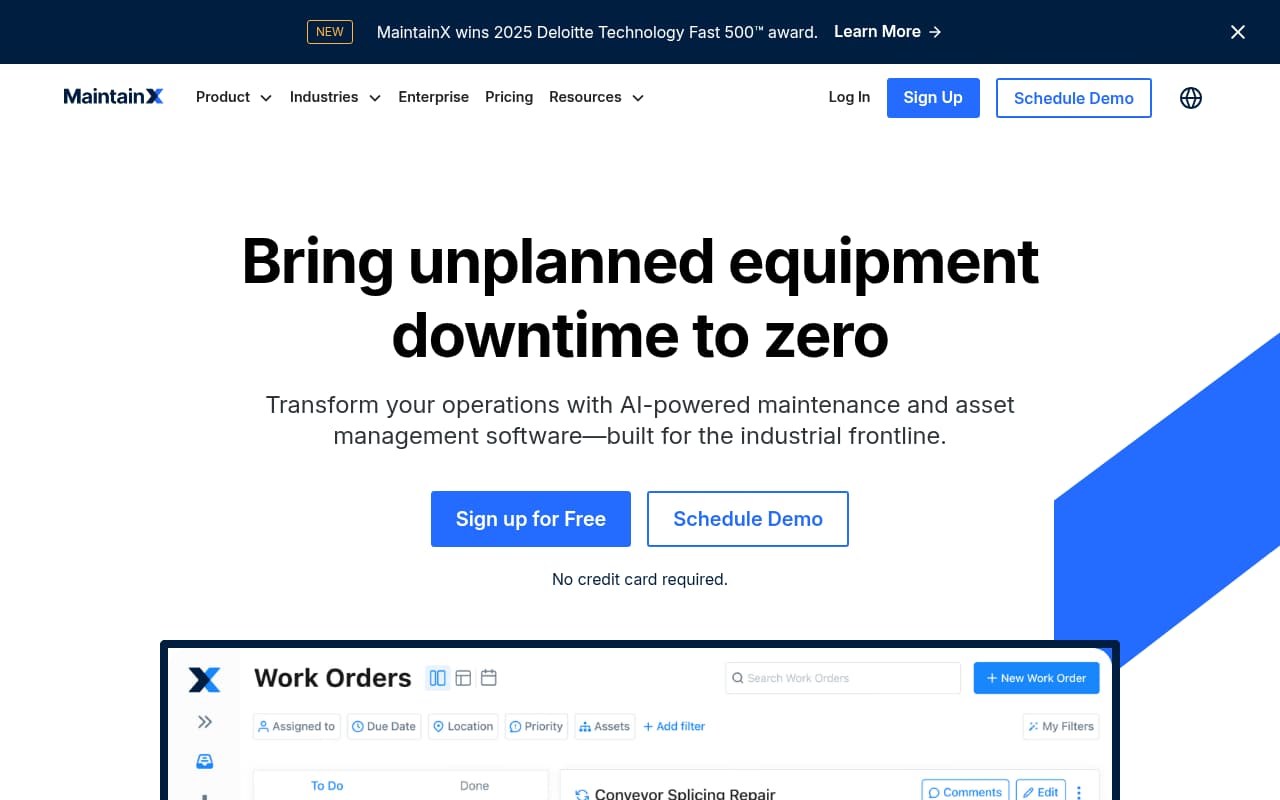
MaintainX has the best QR-to-inspection workflow on this list. Where other platforms use QR codes as asset lookup shortcuts — scan to see equipment details, then manually select the right inspection — MaintainX links QR codes directly to Digital Procedures. Scanning a piece of equipment doesn't just show its history; it launches the specific inspection procedure that applies to that asset, with step-by-step instructions, conditional logic (if pressure reading > X, escalate), and embedded reference media. The technician scans, follows the procedure, captures evidence, and submits. The workflow is defined by the QR link, not by the technician's memory.
The mobile app quality is a genuine differentiator for field adoption. At 4.9/5 on iOS with 4,000+ ratings, MaintainX is the highest-rated CMMS app available. This matters because equipment inspection apps fail when field technicians don't use them — and technicians don't use apps that feel clunky, slow, or confusing. MaintainX's interface is closer to a consumer messaging app than traditional CMMS software, which dramatically reduces the adoption friction that kills digital inspection programs.
The limitation is that MaintainX is a CMMS, not a safety platform. The QR-triggered inspection workflows are excellent for equipment maintenance and condition monitoring, but the platform doesn't include safety-specific features like incident classification, OSHA recordkeeping, hazard tracking, or safety analytics. Teams that need QR inspections for safety compliance — not just maintenance — will need to pair MaintainX with a safety management platform or choose a tool that combines both.
Key Features
Pros
- The most intuitive mobile experience on this list — 4.9/5 stars on iOS from 4,000+ ratings; field technicians who resist new software adopt MaintainX quickly because the interface feels like a consumer app, not enterprise software
- QR-to-procedure linking is the standout feature — scanning a fire extinguisher opens "Monthly Fire Inspection Checklist," scanning a compressor opens "Weekly Compressor Check"; the QR code knows which procedure to launch, eliminating technician guesswork
- Free plan includes unlimited work orders, real-time messaging, and requester accounts — genuinely useful for small teams starting with QR inspections without financial commitment
Cons
- Limited work order form customization — you can't remove unneeded fields, which creates unnecessary complexity for teams that need simple inspection-only workflows without maintenance management overhead
- Advanced features (parts inventory, custom reports, advanced analytics) are locked behind Premium ($49/user/month) and Enterprise tiers — basic inspection teams pay for CMMS features they may not need
- Repeating work order logic is confusing — auto-creates the next work order on completion rather than on a calendar schedule, which leads to drift in preventive maintenance timing
- Primarily designed for maintenance workflows — safety-specific features like incident classification, OSHA recordkeeping, and safety analytics are not included
Verdict: The best QR-to-inspection workflow available — scan equipment and automatically launch the correct procedure. The highest-rated mobile CMMS app makes field adoption painless. Best for maintenance-focused inspection programs; safety teams will need to supplement with a safety platform.
SafetyCulture
Industry-leading inspection platform with QR asset profiles, 100,000+ templates, and the strongest safety-focused inspection workflows
Best For
Safety and compliance teams who need inspection-first workflows with the deepest template library — best for teams where inspections drive compliance records, not maintenance schedules
Pricing
Free plan (up to 10 users); Premium from $24/seat/month (billed annually); Enterprise custom
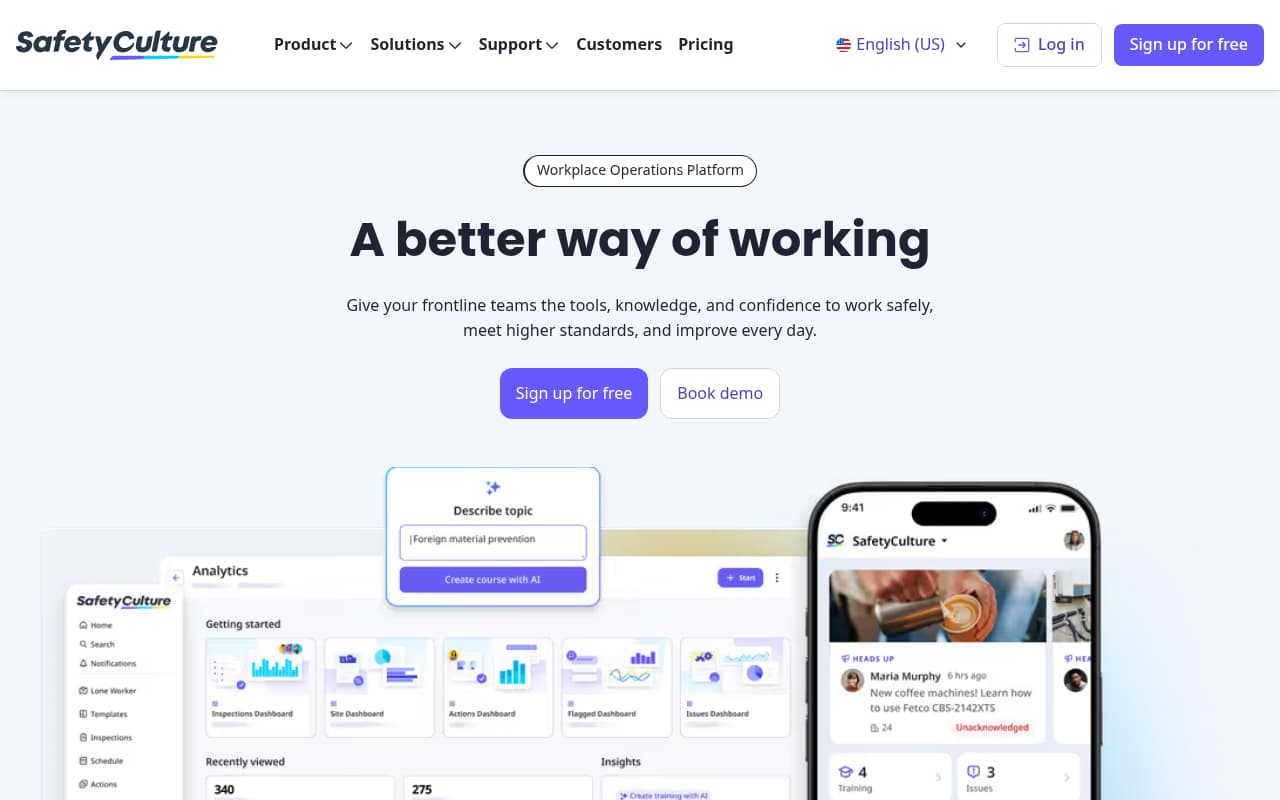
SafetyCulture is the inspection-first platform on this list. Where CMMS tools (MaintainX, UpKeep, Limble, Fiix) treat inspections as one feature within a maintenance management workflow, SafetyCulture built its entire platform around the inspection process: template creation, field data capture, evidence collection, scoring, reporting, and corrective action tracking. The QR code functionality reflects this focus — scanning an asset opens its complete inspection profile with history, location, documentation, and the ability to launch any applicable inspection template.
The template library is the practical differentiator for teams getting started. With 100,000+ pre-built templates covering equipment inspections across industries, the time from "we need to digitize inspections" to "we're running inspections on phones" is measured in hours, not weeks. For oilfield operations specifically, templates exist for BOP systems, crane inspections, rigging checks, confined space entry, hot work permits, and H2S safety equipment. Each template can be customized, and the AI template generator creates new checklists from natural language descriptions when existing templates don't fit.
The trade-off is depth in the areas SafetyCulture doesn't prioritize. There's no parts inventory, no maintenance work order management, no service scheduling, and no predictive maintenance capability. If your primary need is "inspect equipment and document findings for compliance," SafetyCulture is the strongest choice. If you also need to manage maintenance workflows, parts, and service schedules tied to those inspections, you'll pair SafetyCulture with a CMMS or choose a platform that does both.
Key Features
Pros
- The largest inspection template library available — 100,000+ pre-built templates means you can find a starting checklist for virtually any equipment type; oilfield teams can find BOP inspection, crane inspection, and pressure vessel checklists ready to customize
- Strongest photo evidence capture on this list — GPS-tagged, timestamped photos with annotations and digital signatures create the audit trail that regulators and ISNetworld reviewers actually verify
- AI template creation is genuinely useful — describe "monthly hydraulic crane inspection" and get a customizable checklist in seconds instead of building from scratch
Cons
- Per-seat pricing becomes expensive for large field crews — a 30-person team at $24/seat/month is $720/month; seasonal or rotating workers still need seats, and the 3-device-per-user limit forces frequent logouts on shared devices
- Not a CMMS — lacks parts inventory, maintenance work order depth, and equipment service scheduling that maintenance teams need; inspection-focused, not maintenance-focused
- Report customization is restrictive — automated PDF reports are useful but often require additional formatting in Excel for management presentations or client submissions
- Offline sync can be slow when batching multiple inspections with photo evidence — field crews in low-connectivity areas report delays when reconnecting
Verdict: The best inspection-first platform with the deepest template library and strongest evidence capture. Ideal for safety and compliance teams; maintenance teams will need a CMMS alongside it for work order management.
BasinCheck
Oilfield safety inspection platform with QR-linked equipment records, offline field capture, and integrated OSHA compliance at flat pricing

Best For
Oil and gas contractors who need equipment inspections integrated with safety management — QR scanning, inspection checklists, incident tracking, and OSHA compliance in one flat-priced platform
Pricing
From $149/mo (flat team pricing — Starter: $149, Standard: $299, Pro: $599, Enterprise: $1,200+; no per-user fees)
BasinCheck occupies a unique position on this list: it's the only platform that connects equipment inspections to a complete safety management workflow. When a field supervisor scans a QR code on a BOP stack and runs an inspection, failed items automatically generate corrective actions with assignments and due dates. If an equipment issue leads to an incident, the incident report feeds AI-powered OSHA classification and automated 300 log generation. The inspection isn't an isolated record — it's the starting point of a compliance workflow that flows through corrective actions, incidents, and OSHA documentation.
The offline capability is designed for the oilfield reality. Unlike generic offline modes that cache previously downloaded data, BasinCheck's signed sync architecture lets field teams complete full inspections — including photo evidence — at remote wellsites with zero cell service, then securely sync the signed data when connectivity returns. For operations where equipment inspections happen on locations without reliable internet (drilling rigs, remote production sites, pipeline ROWs), the offline capability isn't a convenience feature — it's a requirement.
The limitation is clear: BasinCheck is a safety platform, not a CMMS. If your primary need is maintenance management — parts inventory, service scheduling, work order routing, predictive maintenance — BasinCheck doesn't include those features. But if your primary need is safety inspections on oilfield equipment with integrated compliance documentation, BasinCheck provides the most complete workflow at flat pricing that doesn't penalize large crews.
Key Features
Pros
- The only platform on this list that connects equipment inspections to safety management and OSHA compliance in a single system — inspection findings auto-generate corrective actions, incidents feed OSHA 300 logs, and everything creates a unified compliance trail
- Flat pricing means your per-inspection cost decreases as your team grows — a 50-person crew scanning QR codes on equipment pays the same as a 5-person team, unlike per-user CMMS platforms where costs scale linearly
- Purpose-built for oilfield equipment inspection workflows — templates reflect the specific equipment types (BOP, Christmas tree, wireline, coil tubing) and regulatory requirements (API, BSEE, OSHA) that O&G contractors face
Cons
- Not a CMMS — doesn't include parts inventory, maintenance scheduling, or work order management; teams that need maintenance management alongside inspections will need a separate CMMS tool
- Inspection template library is smaller than SafetyCulture's 100,000+ templates — deep on oilfield and safety templates but limited for general industrial or non-O&G equipment types
- Purpose-built for oil and gas — contractors in manufacturing, food service, or general construction may find the oilfield-specific templates and workflows less applicable
Verdict: The best choice for oilfield contractors who need equipment inspections connected to safety management and OSHA compliance. Flat pricing and offline capability designed for remote field operations. Not a CMMS replacement for maintenance-heavy teams.
Try BasinCheck Free for 7 Days
Check BasinCheck plan limits and pricing against your requirements.
Start Free TrialUpKeep
Mobile-first CMMS with auto-generated QR codes, instant asset lookup, and strong inventory management for equipment-heavy operations
Best For
Small-to-mid-sized maintenance teams (under 200 employees) who need QR-coded asset management with parts inventory and work order workflows — a strong all-in-one CMMS with good mobile execution
Pricing
Lite: $20/user/month; Starter: $45/user/month; Professional: $75/user/month; Business+: $120/user/month; free trial available
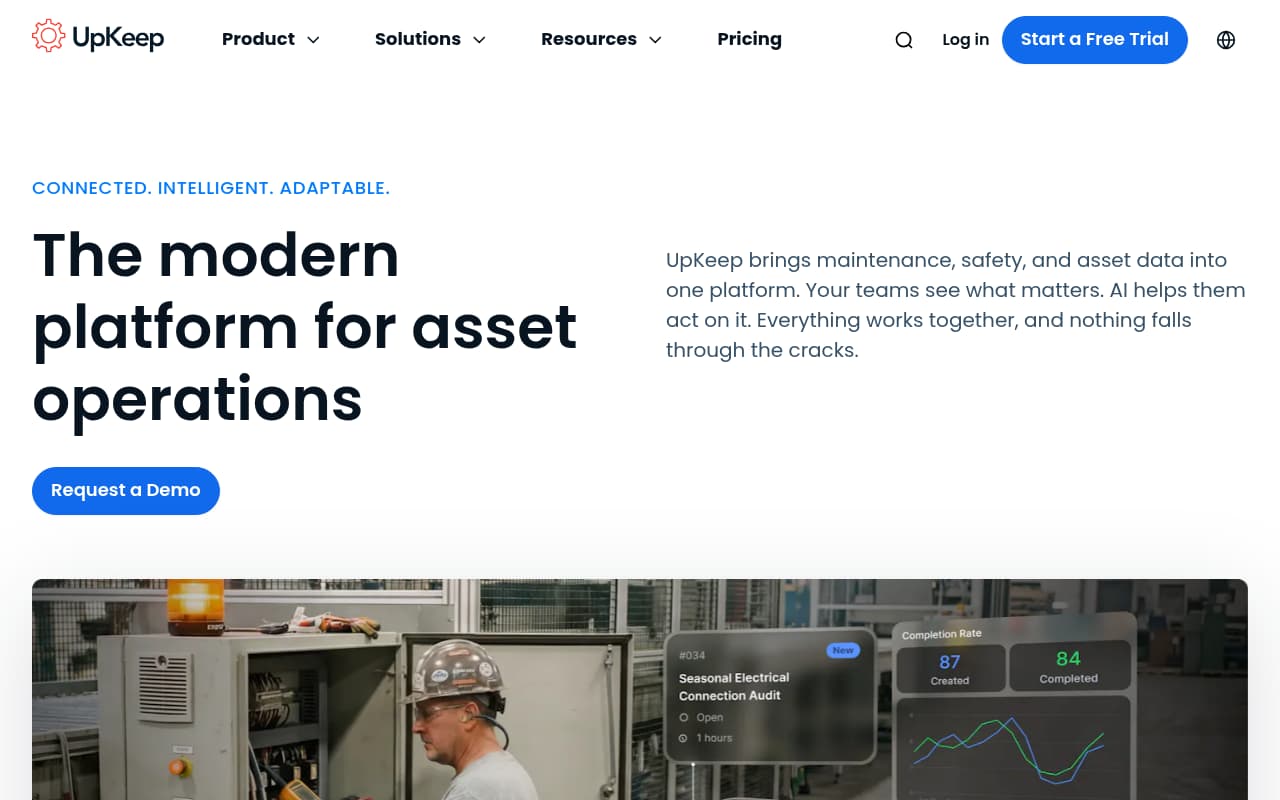
UpKeep's QR code implementation is the most complete on this list for asset management workflows. Every asset and part in the system automatically gets a QR code — there's no manual setup, no label printing decisions, no configuration required. When a technician scans equipment, they instantly see the full profile: warranty status, parts list, maintenance history, open work orders, and attached documentation. The parts inventory integration adds a workflow that other inspection apps lack: scanning a part's QR code during a repair auto-adds it to the work order and updates inventory counts, creating a point-of-sale-style experience for maintenance operations.
For equipment-heavy operations that need both inspection records and maintenance management, UpKeep provides a comprehensive CMMS that happens to have strong QR scanning. Preventive maintenance scheduling, parts inventory, vendor management, and work order routing all sit alongside the inspection checklist capability. This makes UpKeep more practical than inspection-only tools for teams where an equipment inspection finding leads to a repair work order that requires parts and scheduling.
The cost concern is real. UpKeep's per-user pricing means that giving every technician, supervisor, and manager QR scanning access adds up quickly. Read-only "View Only" accounts help reduce costs for stakeholders who need visibility but not editing access, but the core technician seats at $45+ each represent a significant monthly expense for larger teams. For organizations where every field worker needs to scan and inspect, the total cost can exceed flat-priced alternatives that include the same scanning capability for the entire team.
Key Features
Pros
- QR code implementation is the most seamless for asset management — every asset and part automatically gets a QR code; scanning pulls up everything a technician needs without navigating menus; the parts scan-to-work-order feature is genuinely time-saving
- Strong parts inventory management sets UpKeep apart from inspection-only tools — link inspections to repair workflows, track parts usage against work orders, and manage reorder points; useful for equipment-heavy operations with active repair programs
- Users become proficient after about an hour of training — the interface is intuitive enough for field technicians to adopt without extensive onboarding, which is critical for teams that have failed with previous CMMS implementations
Cons
- Per-user pricing escalates quickly — a 20-person maintenance team at $45/user/month (Starter) is $900/month; inspection checklists aren't available on the $20 Lite plan, pushing most teams to $45+ per user
- Limited customization for specific organizational needs — the interface is clean but rigid; teams with unique inspection workflows may find it difficult to adapt the platform to their processes
- Advanced features like preventive maintenance optimization and advanced analytics require Professional ($75/user/month) or Business+ ($120/user/month) tiers — the capability gap between Starter and Professional is significant
- No safety-specific features — no incident management, no OSHA recordkeeping, no safety analytics; it's a maintenance platform that happens to support inspection checklists
Verdict: The best all-in-one CMMS with QR code asset management for maintenance teams under 200 people. Auto-generated QR codes and parts inventory integration are standout features. Per-user pricing makes it expensive for larger crews.
Limble CMMS
Easiest-to-use CMMS with QR code scanning, anyone-can-report functionality, and fast implementation for teams switching from paper
Best For
Teams that prioritize ease of use above all else — the simplest CMMS to implement for organizations switching from paper-based or spreadsheet-based equipment tracking
Pricing
Free plan available; Standard: $28/user/month; Premium+: $69/user/month; Enterprise custom; 14-day free trial
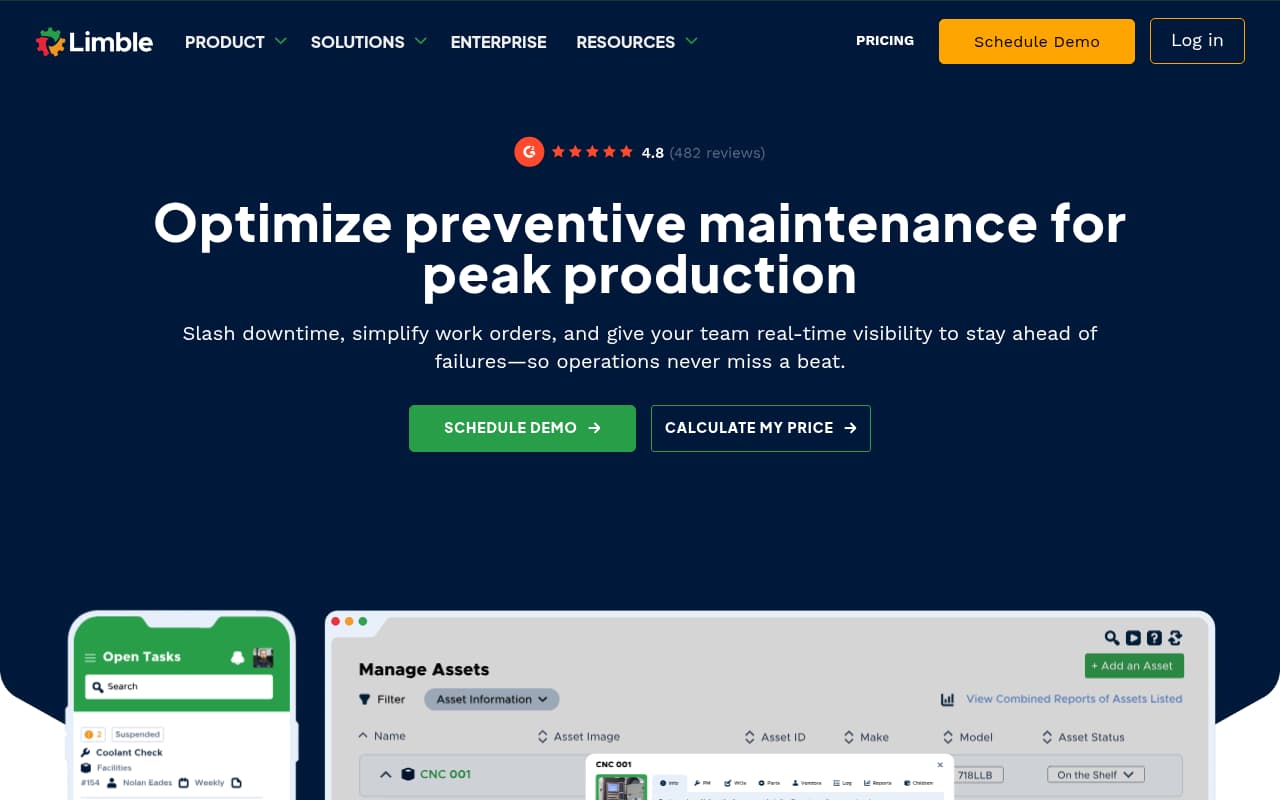
Limble CMMS wins on a single criterion that matters more than features: adoption. It's consistently rated the easiest CMMS to use across every review platform (G2, Capterra, Software Advice), and for equipment inspection programs, ease of use is the difference between "we have an app" and "our team actually uses the app." Complex CMMS implementations fail not because of missing features but because field technicians revert to paper when the software is too cumbersome. Limble is built to prevent that failure mode.
The anyone-can-scan QR feature is a practical innovation for equipment inspection programs. In most CMMS platforms, only licensed users can interact with the system — meaning that when a machine operator notices a problem, they need to find someone with CMMS access to log it. Limble lets anyone scan a QR code on equipment and submit a work request without an account. This dramatically increases the reporting surface area for equipment issues and creates a culture where every employee is an inspector, not just the licensed technicians.
The trade-off is sophistication. Limble's QR codes open asset records for viewing and reporting, but they don't launch specific inspection procedures the way MaintainX does. The mobile app, while functional, has lower ratings than the top-tier apps (MaintainX, SafetyCulture). And the reporting/analytics capabilities are basic for teams that need to analyze inspection trends across equipment types or sites. For teams that need simplicity above all else — especially organizations with a history of failed CMMS implementations — Limble is the right choice. For teams that need sophisticated QR-triggered workflows, other options perform better.
Key Features
Pros
- Highest ease-of-use ratings across all CMMS platforms — 4.8/5 on Capterra from 690+ reviews; consistently rated the easiest CMMS to implement and learn; if your team has failed with complex CMMS software before, Limble is the "second chance" platform
- Anyone-can-scan QR reporting is uniquely practical — a machine operator without a Limble account scans the QR code on a broken piece of equipment and submits a work request in 30 seconds; this eliminates the common bottleneck where only people with CMMS access can report issues
- Fast, responsive customer support that actively incorporates user feedback into new features — smaller vendor that treats every customer as important, not just enterprise accounts
Cons
- Limited QR code customization and less sophisticated QR-to-procedure linking than MaintainX — QR codes open asset records rather than launching specific inspection procedures automatically
- Mobile app has reported bugs and occasional glitches — 3.84/5 on Android from 130 ratings suggests the mobile experience isn't as polished as MaintainX (4.9) or SafetyCulture (4.7)
- Dashboard and reporting capabilities are basic compared to larger CMMS platforms — limited analytics for teams that need trend analysis and predictive insights from inspection data
- Complex initial setup can be tedious despite the platform's reputation for ease of use — the simplicity of daily use doesn't extend to initial asset and location configuration
Verdict: The easiest CMMS to adopt for teams switching from paper. The anyone-can-scan QR feature is uniquely practical for reporting. Best for organizations that prioritize simplicity and adoption over advanced inspection workflows.
Fiix by Rockwell
Enterprise-backed CMMS with QR scanning, predictive maintenance, and the strongest free plan for unlimited work orders
Best For
Asset-dense operations that need enterprise CMMS capabilities with Rockwell Automation integrations — best for manufacturing and industrial facilities with IIoT and ERP integration needs
Pricing
Free plan (limited users, unlimited work orders); Basic: $45/user/month; Professional: $75/user/month; Enterprise custom; no setup fees
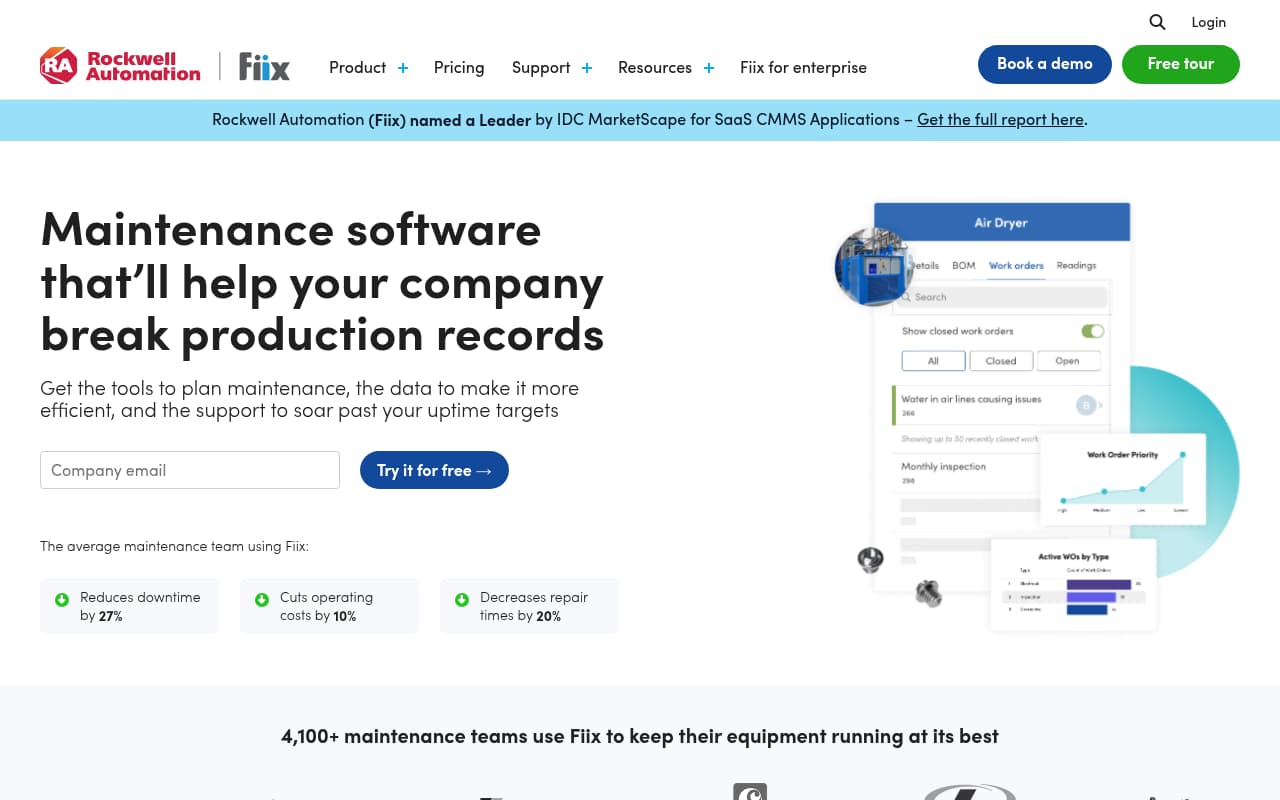
Fiix by Rockwell occupies the enterprise-integration end of the equipment inspection spectrum. While other platforms on this list compete primarily on mobile experience and QR workflow design, Fiix competes on data integration depth — connecting equipment inspections and maintenance workflows to the broader industrial technology ecosystem. For manufacturing plants and industrial facilities running Rockwell PLCs, SCADA systems, and enterprise ERPs, Fiix bridges the gap between field inspection data and facility management systems in ways that standalone CMMS platforms can't.
The predictive maintenance capability (Fiix Foresight) represents a fundamentally different approach to equipment inspection. Instead of scheduling inspections on a calendar and hoping the interval matches the equipment's actual condition, Foresight monitors sensor data from connected equipment and triggers inspections or work orders when performance metrics indicate degradation. For operations with instrumented equipment — flow sensors, vibration monitors, temperature probes — this shifts inspection programs from time-based to condition-based, which reduces both unnecessary inspections and missed defects.
The mobile experience is the weakness. Fiix's web interface is comprehensive and well-organized, but the mobile app doesn't translate that experience well to phone screens. Field technicians who spend their day scanning QR codes and completing inspections on a phone will notice the difference between Fiix's mobile app and the top-tier experiences from MaintainX or SafetyCulture. For desk-based maintenance managers, Fiix is excellent. For field-first inspection programs where the phone is the primary interface, the mobile gap is a practical concern.
Key Features
Pros
- The strongest free plan on this list — unlimited work orders and requests at $0/month gives small teams a genuine CMMS with QR scanning without financial commitment; the free tier has real functionality, not just a trial
- Rockwell Automation backing provides enterprise credibility and deep integration with industrial control systems, PLCs, and ERP platforms — for manufacturing and industrial operations already in the Rockwell ecosystem, Fiix integrates data from equipment sensors directly into maintenance workflows
- Predictive maintenance via Fiix Foresight sets it apart from reactive-only CMMS platforms — condition-based maintenance triggers from sensor data mean inspections and work orders generate automatically when equipment performance degrades, not just on calendar schedules
Cons
- Mobile app workflow is clunkier than the web interface — reviewers consistently note that the mobile experience lags behind desktop; searching parts by manufacturer number and navigating multi-page asset records is more cumbersome on the phone than in a browser
- QR scanning is functional but not as refined as MaintainX or UpKeep — scan-to-record navigation works, but there's no smart QR-to-procedure linking that auto-launches the correct inspection for the scanned asset
- Cancellation requires months-advance notice — multiple reviewers report difficulty ending subscriptions, which creates a financial risk if the platform doesn't fit your team's needs
- Per-user pricing at paid tiers ($45–$75/user/month) is expensive for larger field teams — the jump from free to Basic is steep when you exceed the free plan's user limit
Verdict: The best CMMS for enterprise and industrial facilities needing IIoT integration and predictive maintenance. The free plan is the strongest in the category. Mobile-first inspection teams will find better field experiences elsewhere.
Side-by-side feature comparison
| Software | Best For | Starting Price | QR-to-Procedure | Offline Mode | Parts Inventory | Safety Integration | Mobile Rating |
|---|---|---|---|---|---|---|---|
| MaintainX | Frontline teams | Free / $16/user/mo | Yes (auto-launch) | Yes (full) | Yes (Premium+) | No | 4.9/5 iOS |
| SafetyCulture | Safety/compliance teams | Free / $24/seat/mo | Asset profile + templates | Yes (full) | No | Inspections + actions | 4.7/5 iOS |
| BasinCheck | O&G contractors | $149/mo (flat) | Asset profile + templates | Yes (signed sync) | No | Full (OSHA + incidents) | Mobile-first |
| UpKeep | SMB maintenance teams | $20/user/mo | Asset lookup + WO creation | Yes | Yes (strong) | No | ~4.5/5 |
| Limble CMMS | Paper-to-digital transition | Free / $28/user/mo | Asset lookup + reporting | Yes | Yes | No | 3.8/5 Android |
| Fiix by Rockwell | Industrial/IIoT facilities | Free / $45/user/mo | Asset lookup + WO | Yes | Yes | No | Web-first |
How we evaluated these tools
We evaluated 10+ inspection apps and CMMS platforms on their QR code scanning workflows and field inspection capabilities. Our assessment focused on five criteria that determine whether a QR code inspection system actually improves field operations:
- QR scanning workflow quality: How intelligent is the QR-to-action flow? Does scanning launch the correct inspection procedure automatically, or just open an asset record that requires further navigation? We tested scan-to-inspect workflows end-to-end and rated platforms on how many taps stand between scanning and inspecting.
- Field usability and mobile app quality: Equipment inspections happen on phones in harsh environments — hot, dirty, with gloved hands. We tested mobile apps on both iOS and Android, assessed interface responsiveness, and weighted user review ratings from app stores and review platforms.
- Offline capability: Equipment inspections frequently occur in locations without reliable internet — remote oilfield sites, underground facilities, rural construction zones. We tested offline inspection workflows including photo capture, checklist completion, and data sync reliability on reconnection.
- Inspection template depth: Does the platform provide pre-built inspection templates for common equipment types, or require building everything from scratch? We evaluated template libraries, customization flexibility, and the ability to create equipment-specific checklists efficiently.
- Integration depth: Does the inspection workflow connect to broader operational systems — corrective actions, maintenance work orders, safety management, compliance reporting? Isolated inspection records are less valuable than inspections that trigger follow-up workflows automatically.
BasinCheck is our product. We ranked ourselves at #3 because our oilfield-specific inspection templates and integrated safety workflow are strong, but MaintainX offers a more refined QR-to-procedure linking, and SafetyCulture has the deepest template library and strongest pure inspection experience.
Frequently Asked Questions
How do QR codes work for equipment inspections?
A QR code is printed and attached to each piece of equipment (sticker, metal plate, or weather-resistant label). When a technician scans the code with the inspection app, it pulls up the equipment's complete profile — inspection history, maintenance records, certification dates, and applicable checklists. Some apps (like MaintainX) auto-launch the correct inspection procedure when scanned; others open the asset profile and let the technician select which inspection to run. The QR code eliminates manual equipment lookup and ensures the right checklist is applied to the right asset.
Can QR code inspection apps work offline in remote locations?
Yes — all six platforms on this list support offline inspection capability. The depth varies: MaintainX and SafetyCulture offer full offline inspection completion including photo capture and data entry. BasinCheck uses a signed sync architecture specifically designed for oilfield locations without cell service. UpKeep, Limble, and Fiix provide standard offline modes with auto-sync on reconnection. For remote oilfield operations, test the specific offline workflow with your inspection templates before committing — some "offline modes" only cache previously downloaded data rather than supporting full inspection creation.
What's the difference between a CMMS and an inspection app?
A CMMS (Computerized Maintenance Management System) manages the full maintenance lifecycle: work orders, preventive maintenance scheduling, parts inventory, vendor management, and equipment service records. An inspection app focuses specifically on field inspection workflows: checklists, photo evidence, scoring, reporting, and corrective actions. Some platforms (MaintainX, UpKeep, Limble, Fiix) are CMMS tools with inspection features built in. Others (SafetyCulture) are inspection tools without CMMS capabilities. BasinCheck is a safety management platform with integrated inspection features. Choose based on your primary need: maintenance management or safety/compliance inspections.
What equipment types benefit most from QR code inspections?
Any equipment with regulatory inspection requirements, safety-critical functions, or high failure consequences benefits from QR-linked digital inspections. In oilfield operations: BOP stacks (daily visual inspections required by 30 CFR Part 250), cranes and lifting equipment (pre-use and periodic inspections), pressure vessels (API-standard inspections), rigging and slings (quarterly color-coded inspections), H2S monitors (daily calibration checks), and fire extinguishers (monthly inspections). The QR code ensures the correct checklist is applied every time and creates an unalterable audit trail for regulatory verification.
How much do QR code inspection labels cost?
QR code labels typically cost $0.10–$2.00 per label depending on material and durability. Standard paper or vinyl stickers work for indoor equipment. Outdoor and oilfield equipment typically requires weather-resistant, UV-stable labels (polyester or metal) that withstand heat, chemicals, and abrasion — these run $0.50–$2.00 each. Most inspection apps generate the QR code images for free; you print them using a label printer or order from a label vendor. The label cost is negligible compared to the software subscription — for 100 pieces of equipment, budget $50–$200 for durable labels.
Final verdict
The right equipment inspection app depends on whether your primary need is maintenance management, safety compliance, or pure inspection workflows. The QR code scanning is a feature — the workflow it triggers is what matters.
For the best QR-to-inspection workflow with the highest-rated mobile app, MaintainX auto-launches specific procedures when equipment is scanned. For the deepest inspection template library with the strongest evidence capture, SafetyCulture is the inspection-first choice. For oilfield contractors who need equipment inspections integrated with safety management and OSHA compliance at flat pricing, BasinCheck connects inspections to the full safety workflow. For CMMS-first teams that need strong parts inventory alongside QR inspections, UpKeep provides the most complete asset management. For the easiest adoption with anyone-can-scan reporting, Limble CMMS removes the barriers to digital inspection. And for enterprise operations needing IIoT integration and predictive maintenance, Fiix by Rockwell provides the deepest industrial connectivity.
Start by answering one question: "Does the inspection finding trigger a maintenance work order or a safety corrective action?" If maintenance — choose a CMMS (MaintainX, UpKeep, Limble, Fiix). If safety — choose a safety platform (BasinCheck) or inspection platform (SafetyCulture). The QR code makes the inspection faster; the workflow behind it makes the inspection valuable.