EHS software evaluation guide
SafetyCulture vs GoCanvas: EHS software comparison
This is not a winner-picks-all feature grid. It maps what each vendor currently documents, the operational difference that may matter when moving from generic forms to a connected safety workflow, and the proof to request before you put either system in front of field teams.
Short answer
Which is better, SafetyCulture or GoCanvas?
It depends on the job. SafetyCulture, whose inspection app is now called Mitti, is the better first demo when you need consistent field inspections, owned corrective actions and a platform that grows into training and asset workflows. GoCanvas is the better first demo when the main job is replacing paper forms across field operations, including dispatch and integrations. As of October 2026 Mitti Premium is $24 per seat per month billed annually, and GoCanvas costs $29 to $49 per user per month with a three-user minimum. Oilfield contractors focused on JSAs, incidents and OSHA logs should also look at BasinCheck.
SafetyCulture
Frontline operations platform
Start here if the near-term job is consistent mobile inspections, evidence capture, action ownership, and adjacent frontline workflows.
GoCanvas
Mobile forms and field workflows
Start here if the near-term job is digitizing paper forms, building custom checklists, and connecting field submissions to office reporting.

How to read this guide
Documented capability is a starting point, not a score.
We reviewed public product pages from SafetyCulture and GoCanvas on July 20, 2026. We did not run a vendor trial, inspect a customer tenant, or assign either vendor a numerical score. Claims in the evidence matrix are limited to those sources. The practical guidance is our editorial interpretation for a buyer who needs to evaluate field safety work and the move from generic forms to a connected safety workflow.
1
Read the vendor claim
Use the linked first-party source.
2
Run the live workflow
Use one form your crew already knows.
3
Get terms in writing
Compare scope, services, support, and export.
Evidence matrix
The decision areas that should shape the shortlist
The difference is more useful when you follow the work from a field check to a closed record, then test the platform scope and commercial model behind it.
SafetyCulture documents
Its inspection documentation describes mobile and offline access, auto-save and sync, photo and video capture, signatures, and approvals.
GoCanvas documents
Its product material describes a field app with photo and video capture, signatures, offline access that syncs when back in range, and tasks and reminders to keep crews on track.
Prove this in the demo
Run one actual field form with no signal. Add a photo, a signature, and a failed item. Ask what appears after synchronization and what can be edited later.
SafetyCulture documents
SafetyCulture documents tasks and corrective actions that can be assigned and tracked, including actions linked to inspections.
GoCanvas documents
GoCanvas documents the ability to flag, assign, and monitor issues through resolution. Its Max plan lists Follow-Up Tasks as a plan feature.
Prove this in the demo
Fail an inspection item, assign an owner and deadline, attach closeout evidence, reject a weak closeout, then export the full activity history.
SafetyCulture documents
The vendor positions the product as a frontline operations platform that extends from inspections into actions, training, assets, and connected workflows.
GoCanvas documents
GoCanvas positions its product as digital forms and workflows for field data collection across industries, with dispatch, project management, integrations, and analytics.
Prove this in the demo
List the programs you need in the next 24 months. Have each vendor mark which are included now, which need configuration or another module, and which need an integration.
SafetyCulture documents
The public materials emphasize a frontline platform and configurable operational workflows. The depth of governance needed for your organization should be tested in a live build.
GoCanvas documents
The public materials emphasize no-code form and workflow digitization, customizable templates, conditional logic, multi-user workflows on higher plans, and role-based departments on Max.
Prove this in the demo
Ask an administrator, not a salesperson, to change a field, approval step, role permission, report, and record-retention rule. Document who can make each change.
SafetyCulture documents
SafetyCulture publishes a Premium annual-billing price of $24 per seat per month. Plan, volume, and service details still need confirmation.
GoCanvas documents
GoCanvas publishes Essentials at $29, Pro at $39, and Max at $49 per user per month with a three-user minimum when billed annually. Add-ons and services should be confirmed in a proposal.
Prove this in the demo
Price the same user population, locations, implementation work, storage, integrations, support level, renewal terms, and exit/export obligations in writing.
Buyer context
Choose a first demo based on the job your system must do.
A team digitizing forms should not assume a connected safety workflow is included. A team standardizing inspections and actions should not buy a general forms tool if follow-up ownership and program scope are already in view. Start with the operating reality below.
Frontline operations team
Start with SafetyCulture
It deserves the first demo when the urgent job is consistent field inspections, evidence capture, action ownership, and a platform that can extend into related frontline workflows.
Do not skip this
Do not infer fit from the checklist alone. Test offline behavior, action closeout, role permissions, reporting, and the programs you expect to add next.
Form-digitization team
Start with GoCanvas
It deserves the first demo when the near-term job is replacing paper forms, building custom mobile checklists, and connecting field submissions to office reporting and integrations.
Do not skip this
Ask how failed items become owned follow-up work, how supervisors see overdue actions, and what safety programs still require separate tools or manual steps.
Oilfield contractor safety team
Add BasinCheck to the evaluation
A contractor may prefer a focused product when the recurring work is field records, corrective actions, safety meetings, JSAs, permits, incidents, and OSHA recordkeeping rather than generic form digitization alone.
Do not skip this
Evaluate BasinCheck on the same proof standard. Bring one active customer requirement or operator audit request and trace it from field entry to closeout.

The BasinCheck counterpoint
Generic forms are not the same as a connected safety workflow.
BasinCheck is designed for oilfield contractors rather than every form-digitization use case. If your recurring work is field safety records, corrective actions, safety meetings, JSAs, permits, incidents, and OSHA recordkeeping, evaluate whether a focused workflow gives supervisors a more direct route from field entry to a usable record than building safety logic on top of generic forms.
This is not a claim that a focused product is better for every buyer. It is a reason to include it when operator requirements, crew adoption, and proof of completed safety work are the actual buying criteria.
Real BasinCheck product views
See the contractor workflow before you book a demo
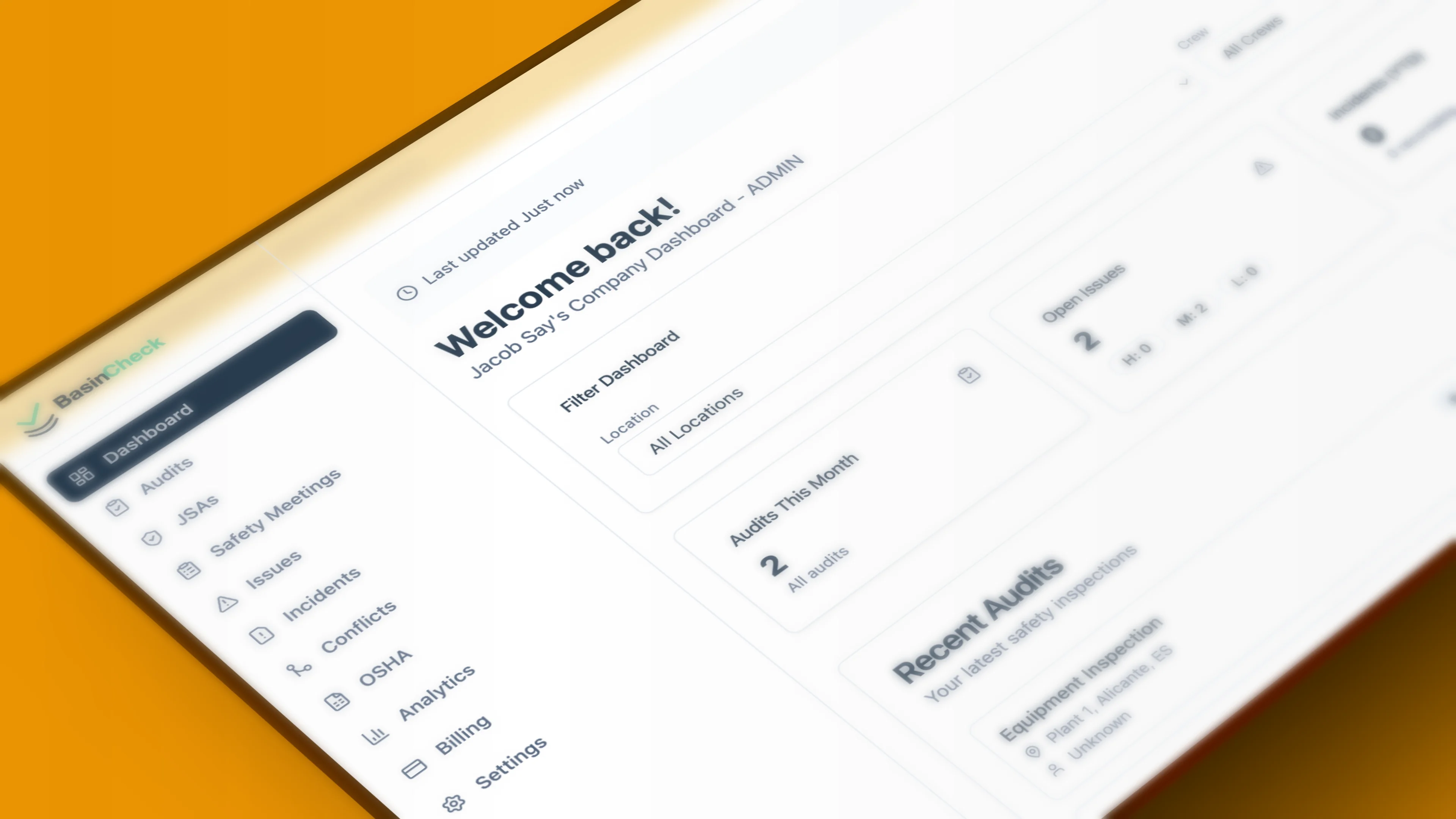
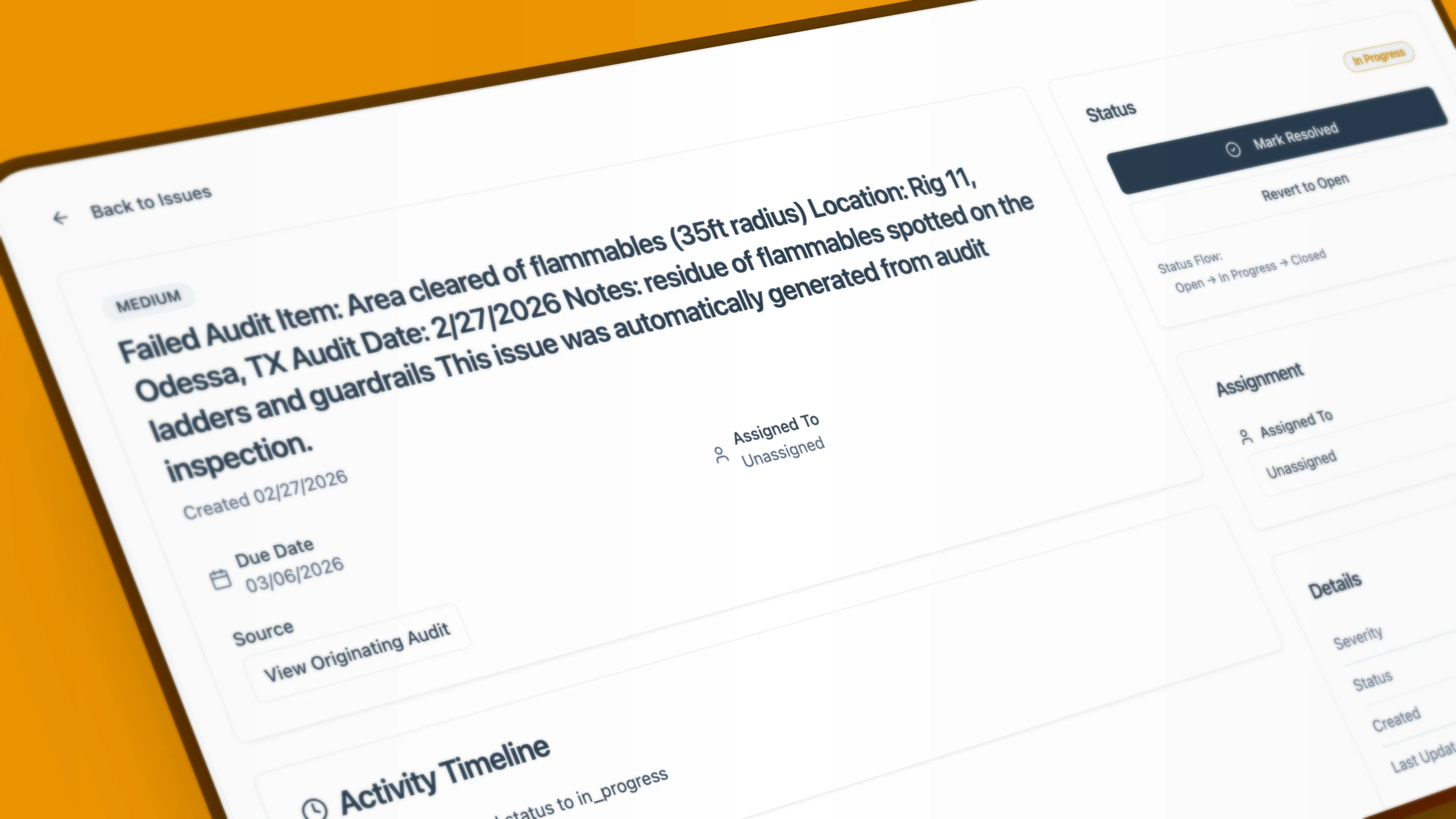
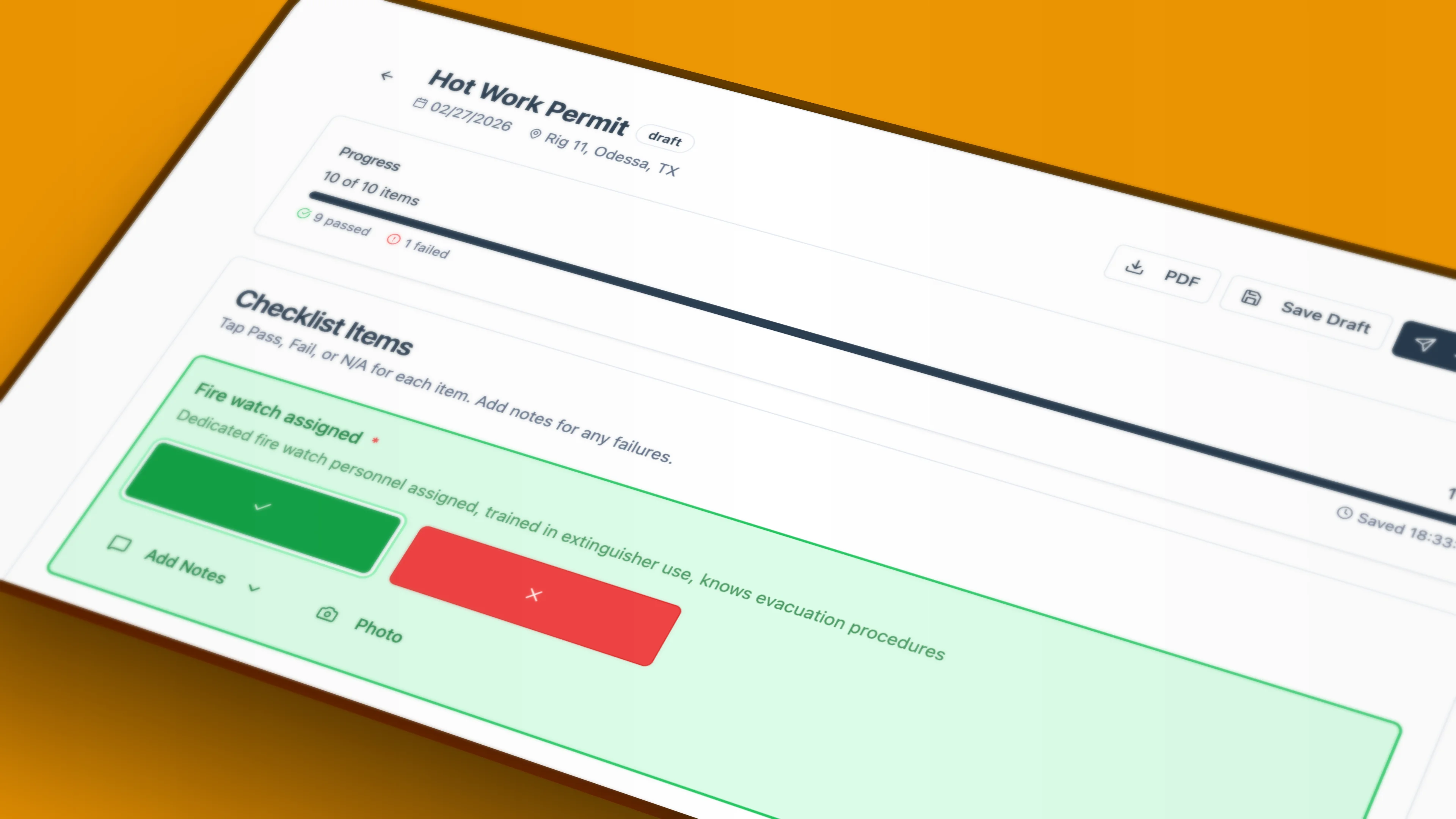
These are BasinCheck product screens. They show the safety dashboard, an issue record, and a hot-work permit view so evaluators can assess the product's operating model, not a marketing claim.
Live-demo script
Eight tests that expose the difference between a demo and a working system
Send these to every vendor before the meeting. They force an evaluation around a real contractor workflow, accountable follow-up, and retrievable proof rather than a polished template gallery.
Field completion under weak connectivity
Begin a real JSA, vehicle inspection, or permit with airplane mode enabled. Capture a photo and signature, finish it, reconnect, and show the final record.
Corrective action with accountability
Create a failed finding, assign a responsible person and due date, attach evidence, request review, and show what prevents an unsupported closeout.
Supervisor work queue
Show open and overdue work by crew, customer, location, owner, and severity. Ask how a supervisor follows up without managing a separate spreadsheet.
Evidence package for an evaluator
Export a completed record with timestamps, attachments, signatures, status history, and action records. Confirm how it can be retrieved months later.
One required form, configured live
Use a current field form rather than a generic template. Add conditional questions, required evidence, an approval step, and the exact language your customer expects.
Permission and change control
Demonstrate what a worker, supervisor, safety manager, and administrator can each see or alter. Then show the audit history for a configuration change.
Commercial comparison on equal scope
Request a written quote for the same people, locations, support, data migration, integrations, storage, onboarding, renewal terms, and implementation services.
Exit and record ownership
Ask how you export records, attachments, templates, action history, and user data if you change systems. Require a sample export and the policy in writing.
Use one scorecard for all three products.
Record pass, partial, or cannot demonstrate for each test. Capture the named module, plan, configuration assumption, and any professional-services dependency. That is more decision-useful than an aggregate star rating.
Bottom line
Make the choice at the level of your operating model.
SafetyCulture
The strongest first conversation when a frontline operations platform and practical inspection-to-action workflow are central.
GoCanvas
The strongest first conversation when mobile form digitization, custom checklists, dispatch, and field-to-office data flow are central.
BasinCheck
The relevant additional option when an oilfield contractor needs focused field safety records and proof of completion without building safety logic on generic forms alone.
The recommendation is not to choose from this page. Use it to run a defensible evaluation, with your forms, field conditions, records, people, and commercial terms in view.
Evaluating for an oilfield contractor? Run the same eight tests on BasinCheck.
Frequently Asked Questions
The SafetyCulture inspection platform is now Mitti by SafetyCulture, formerly iAuditor. The product name, pricing references and website captures were checked October 7, 2026. The broader comparison retains its separately stated evaluation date.
Current vendor websites
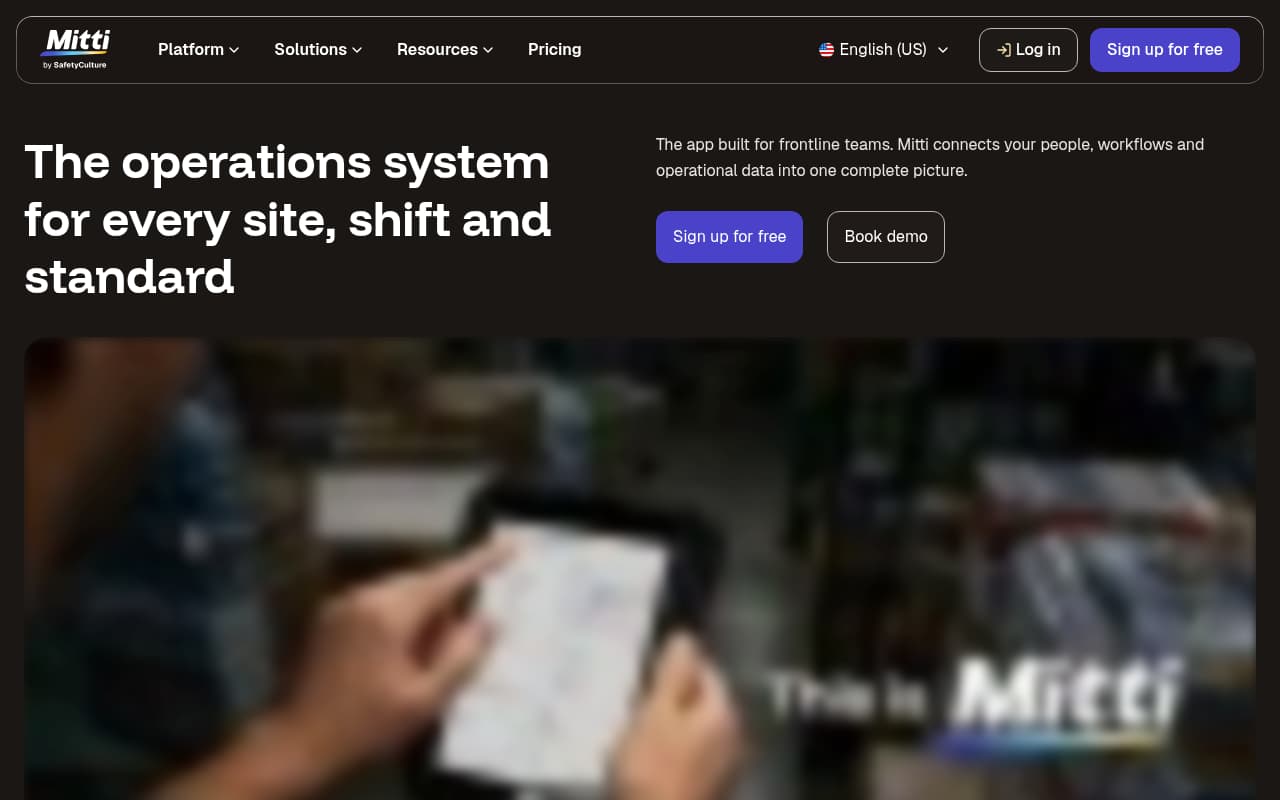
Mitti by SafetyCulture
Branded website screenshot prepared for BasinCheck. Captured October 7, 2026.
Public website view, not a hands-on product test. Third-party brands belong to their owners; inclusion does not imply endorsement.
Visit Mitti by SafetyCulture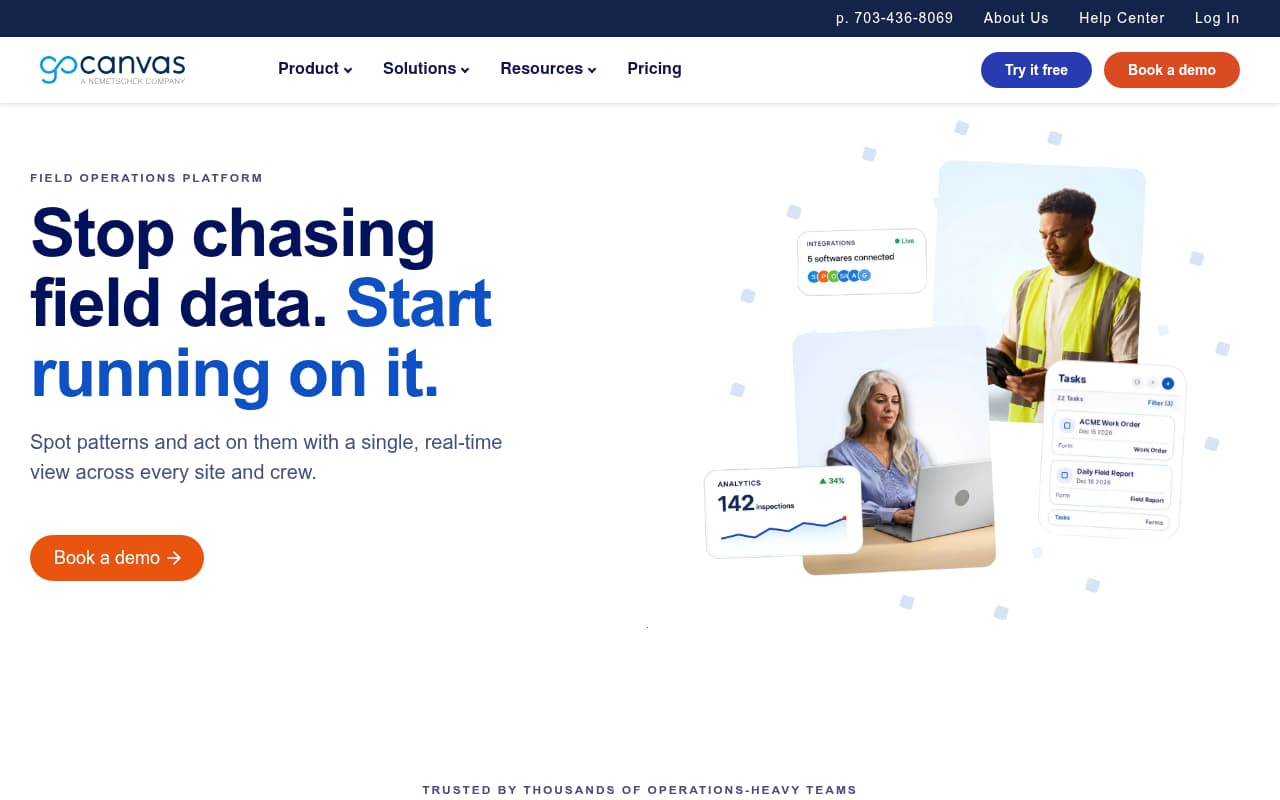
GoCanvas
Branded website screenshot prepared for BasinCheck. Captured October 7, 2026.
Public website view, not a hands-on product test. Third-party brands belong to their owners; inclusion does not imply endorsement.
Visit GoCanvas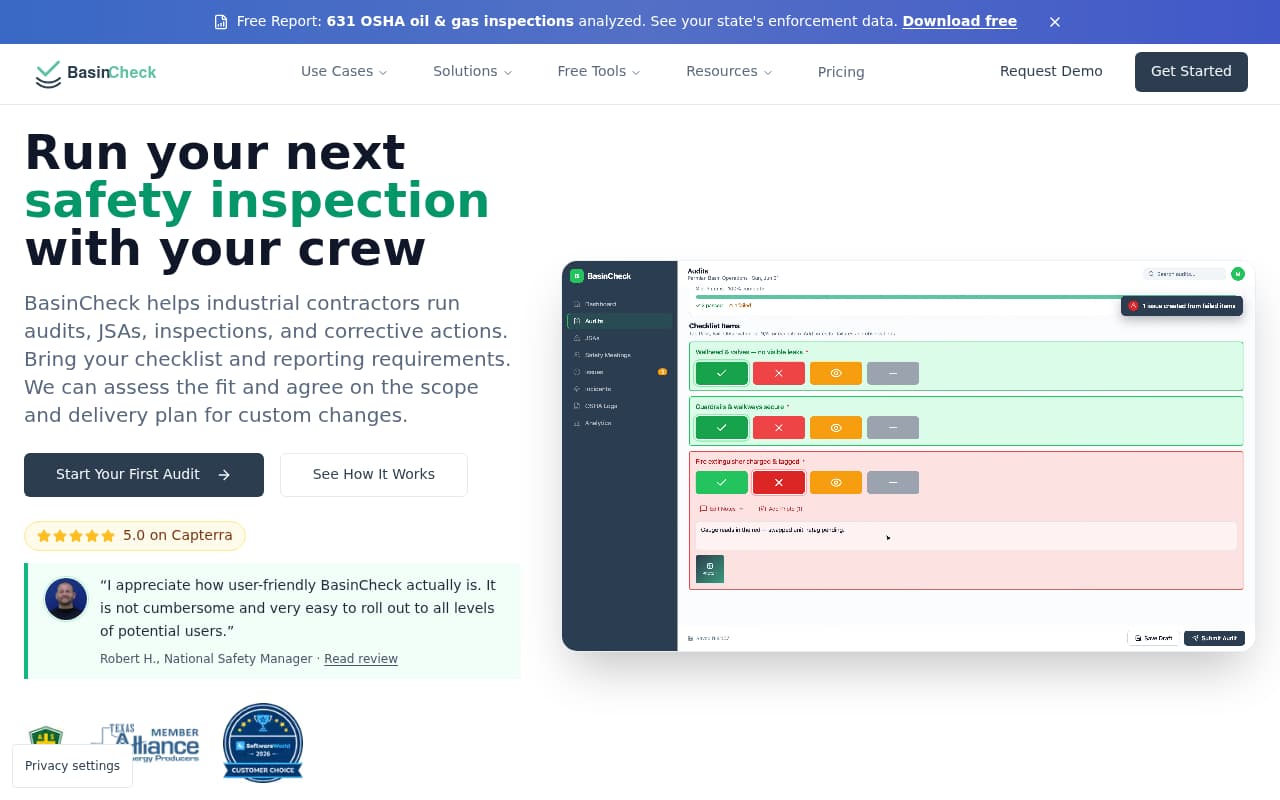
BasinCheck
Branded website screenshot prepared for BasinCheck. Captured October 7, 2026.
Public website view, not a hands-on product test. Third-party brands belong to their owners; inclusion does not imply endorsement.
Visit BasinCheckSource register
First-party sources reviewed for this page
BasinCheck is not affiliated with SafetyCulture or GoCanvas. Links open the source pages used for the factual vendor statements above. Product capabilities, plans, prices, and implementation terms can change. Confirm the requirements that matter to your team in writing.
SC-1
SafetyCulture inspections and reportsDocuments mobile and offline inspection access, image and video capture, signatures, and approvals.
SC-2
SafetyCulture tasks and actionsDocuments task assignment, inspection-linked actions, status tracking, and corrective actions.
SC-3
SafetyCulture platform overviewDescribes the vendor's broader frontline operations platform scope.
SC-4
SafetyCulture annual billing FAQLists Premium at $24 per seat per month when billed annually at the time of review.
GC-1
GoCanvas products overviewDescribes mobile field data collection, offline access, photo and signature capture, no-code form and workflow digitization, issue flagging and assignment, analytics, and integrations.
GC-2
GoCanvas packages and pricingLists Essentials at $29, Pro at $39, and Max at $49 per user per month with a three-user minimum when billed annually at the time of review.
GC-3
GoCanvas form template libraryDescribes customizable digital form templates, drag-and-drop builder, offline completion, and safety-related templates such as jobsite inspections and toolbox talks.
GC-4
GoCanvas analyticsDescribes analytics for visualizing performance, segmenting data, highlighting trends, and supporting compliance reporting.