
Corrective action tracking is where most safety programs break down. The audit finds the problem, the inspection flags the hazard, the incident report documents what happened — but the corrective action that's supposed to fix the underlying issue gets assigned in an email, tracked in a spreadsheet, and quietly forgotten until the next audit finds the same problem again. OSHA inspectors notice this pattern immediately.
The challenge for safety teams is that most "corrective action software" wasn't built for safety. The CAPA (Corrective and Preventive Action) market is dominated by quality management systems designed for pharmaceutical and manufacturing quality compliance — FDA 21 CFR Part 11, ISO 13485, GMP documentation. These tools are powerful for quality teams but irrelevant for a safety manager who needs to assign a guardrail repair to a maintenance supervisor with a two-week deadline and escalate it automatically if it's not closed.
We evaluated each platform below from a safety team's perspective: Does it create corrective actions automatically from audit and inspection findings? Can field supervisors update action status from a phone? Does it escalate overdue items without the safety manager having to chase people? And does it maintain the audit trail that proves to OSHA you actually fixed what you found?
| # | Product | Best for | Pricing |
|---|---|---|---|
| 1 | BasinCheck | Safety teams that need corrective actions to auto-generate from inspections and incidents with assigned responsibility, deadlines, and escalation — without building CAPA workflows from scratch | From $149/mo (flat team pricing — Starter: $149, Standard: $299, Pro: $599, Enterprise: $1,200+; no per-user fees) |
| 2 | ETQ Reliance | Large organizations where corrective actions span both safety and manufacturing quality — and formal CAPA methodology with root cause analysis is a regulatory requirement | Starting ~$25,000/year; enterprise deployments $100,000–$200,000+/year; custom quotes required |
| 3 | ComplianceQuest | Organizations already on Salesforce that need CAPA workflows spanning both safety and quality — with AI assistance for root cause analysis | Starting ~$30/user/mo (plus mandatory Salesforce license at $25+/user/mo); custom quotes for full implementations |
| 4 | SafetyCulture (iAuditor) | Safety teams that want corrective actions created during inspections — assigned, photographed, and tracked from a mobile device in the field | Free plan (up to 10 users); Premium from ~$24/user/mo billed annually; Enterprise custom pricing |
| 5 | Intelex | Large, multi-site organizations that need corrective action tracking unified across safety, quality, and environmental compliance in a single enterprise platform | Starting ~$13/user/mo for entry modules; enterprise deployments $10,000+/month; implementation $10,000–$100,000+; custom quotes required |
| 6 | EHS Insight | Mid-size safety teams (50–500 employees) that need configurable corrective action tracking with mobile offline capability at mid-market pricing | Starting ~$4,600/year; module-driven pricing with custom quotes; free trial available |
| 7 | Qualio | Small-to-mid regulated companies (pharma, medical devices, biotech) where corrective actions must follow formal CAPA methodology for FDA and ISO 13485 compliance | Starting ~$12,000/year; custom quotes based on user count and modules; free demo available |
BasinCheck
Safety platform that auto-creates corrective actions from failed audit items with full lifecycle tracking

Best For
Safety teams that need corrective actions to auto-generate from inspections and incidents with assigned responsibility, deadlines, and escalation — without building CAPA workflows from scratch
Pricing
From $149/mo (flat team pricing — Starter: $149, Standard: $299, Pro: $599, Enterprise: $1,200+; no per-user fees)
BasinCheck approaches corrective action tracking differently from CAPA-focused quality tools: it starts with the inspection. When a safety audit item fails — a missing fire extinguisher, a damaged guardrail, an expired certification — the platform automatically creates a corrective action linked to that finding. The action is assigned to a responsible person, given a severity level and due date, and tracked through resolution. There's no manual step between "we found a problem" and "someone is assigned to fix it."
This automation matters because the gap between finding and fixing is where most safety programs lose corrective actions. A safety manager conducting 10 audits a week might generate 30–50 findings. Manually creating corrective actions for each one — writing descriptions, assigning owners, setting deadlines, entering them into a tracking system — takes hours. BasinCheck eliminates that administrative layer by making the corrective action a direct output of the audit itself.
The trade-off is CAPA sophistication. BasinCheck tracks corrective actions through a straightforward lifecycle (created → assigned → in progress → resolved), with photo evidence, GPS documentation, and resolution notes. It doesn't provide structured root cause analysis templates (8D, fishbone, 5-why), formal CAPA workflows with effectiveness checks, or the documentation depth that FDA-regulated quality teams require. For safety teams whose primary need is "make sure the things we find get fixed and documented," BasinCheck covers that workflow end-to-end. For quality teams needing formal CAPA methodology, look at ETQ or ComplianceQuest.
Key Features
Pros
- The auto-creation workflow is the key differentiator — when an audit item fails, a corrective action is immediately created with the finding, assigned to the responsible person, and given a deadline; no manual step between identifying a problem and assigning its fix
- Flat pricing ($149–$599/mo) means every supervisor and field worker can update corrective action status from their phone without per-user cost pressure
- Full offline capability — corrective actions can be created, updated, and documented from job sites with no connectivity, then sync with signed verification when back online
Cons
- Corrective action workflow is purpose-built for safety (audits → findings → actions → resolution) — not designed for formal CAPA methodology with 8D, fishbone diagrams, or 5-why templates that quality teams expect
- No integration with quality management systems (QMS) — if you need corrective actions that span safety and manufacturing quality, you will need separate tools
- Root cause analysis is captured in free-text resolution notes, not through structured RCA templates — adequate for safety but less rigorous than quality-focused CAPA tools
Verdict: The best corrective action tool for safety teams that want findings to automatically become assigned, tracked, and documented actions — without building CAPA workflows or paying per user. Not a fit for formal quality CAPA methodology, but ideal for closing the loop between safety audits and corrective fixes.
ETQ Reliance
Enterprise quality management platform with the deepest CAPA workflow engine on this list
Best For
Large organizations where corrective actions span both safety and manufacturing quality — and formal CAPA methodology with root cause analysis is a regulatory requirement
Pricing
Starting ~$25,000/year; enterprise deployments $100,000–$200,000+/year; custom quotes required
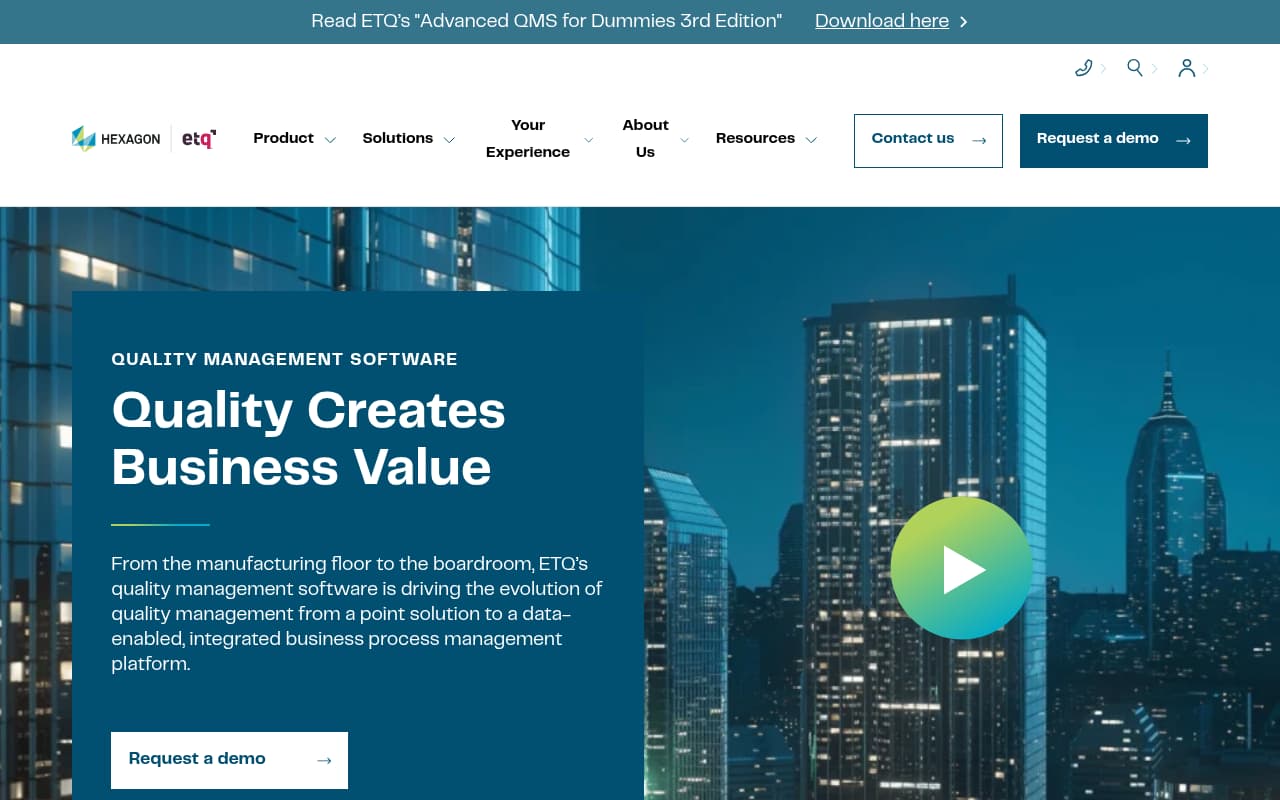
ETQ Reliance is an enterprise quality management platform with 40+ pre-built modules, and its CAPA module is the most comprehensive on this list. Corrective actions follow formal CAPA methodology: problem identification, containment, root cause analysis (using 8D, fishbone, 5-why templates), corrective action implementation, preventive action planning, and effectiveness verification. For organizations operating under FDA, ISO 9001, or ISO 13485 where CAPA documentation is a regulatory requirement, ETQ provides the workflow depth that auditors expect.
The no-code workflow builder is ETQ's practical differentiator. Quality and safety teams can create custom CAPA processes — routing rules, approval gates, escalation logic, notification triggers — without writing code or waiting for IT. When regulatory requirements change or audit findings reveal process gaps, the team can modify workflows themselves. For large organizations where CAPA processes differ by facility, product line, or regulatory body, this configurability eliminates the consulting fees that other enterprise platforms require.
The limitation for safety teams is focus. ETQ is a quality management platform with safety capabilities, not a safety platform with quality features. OSHA recordkeeping isn't a core module. Safety inspections aren't the primary data input for corrective actions. And the pricing ($25K+ annually) assumes you're buying a quality management system, not just corrective action tracking. Safety managers at organizations without quality compliance requirements will find ETQ's depth and cost disproportionate to their needs.
Key Features
Pros
- The deepest CAPA workflow engine on this list — supports formal 8D methodology, structured root cause analysis, preventive action planning, and effectiveness verification that FDA and ISO auditors expect
- No-code customization means your quality team can build and modify CAPA workflows without IT involvement — adapts to changing regulatory requirements without vendor consulting
- Enterprise integration with SAP, Oracle, and other business systems means corrective actions can flow across quality, safety, operations, and supply chain without manual data transfer
Cons
- Starting at ~$25K/year with enterprise deployments reaching $200K+ — cost-prohibitive for organizations that only need safety corrective actions, not full quality management
- Steep learning curve — the platform's depth means new users need significant training before they can navigate CAPA workflows effectively; not something a safety manager deploys in a day
- Oriented toward manufacturing quality compliance (FDA, ISO 9001, ISO 13485) — safety-specific workflows like OSHA recordkeeping and inspection-driven corrective actions are secondary to quality CAPA
Verdict: The most powerful CAPA platform available, with formal root cause analysis templates and no-code workflow customization. Worth the investment for organizations where corrective actions must satisfy FDA or ISO quality auditors. Overkill for safety teams that simply need audit findings tracked to resolution.
ComplianceQuest
Salesforce-native quality and EHS platform with AI-powered CAPA and safety inspection integration
Best For
Organizations already on Salesforce that need CAPA workflows spanning both safety and quality — with AI assistance for root cause analysis
Pricing
Starting ~$30/user/mo (plus mandatory Salesforce license at $25+/user/mo); custom quotes for full implementations
ComplianceQuest is a Salesforce-native quality and EHS platform that bridges the gap between safety corrective actions and formal quality CAPA workflows. The AI capabilities are the platform's most distinctive feature: when a safety finding or incident creates a corrective action, the AI analyzes similar past events and auto-suggests root causes, categories, and recommended corrective action types. For safety managers handling dozens of corrective actions per week, this automation meaningfully reduces the time spent on each investigation.
The Salesforce foundation is both the platform's strength and limitation. Organizations already using Salesforce get native data sharing between CRM, service, quality, and safety — corrective actions from safety inspections flow into the same reporting infrastructure as customer complaints and quality events. For manufacturers where a safety finding on the production floor might have quality implications for the product, this integration eliminates the data silos between departments.
The practical concern is cost and complexity. ComplianceQuest requires a Salesforce license ($25+/user/month) plus its own subscription ($30+/user/month), putting the true per-user cost at $55+ before implementation. For safety teams that need 30+ field workers updating corrective action status from their phones, the per-seat cost scales quickly. Users also report that the Salesforce platform adds latency and complexity that dedicated safety tools avoid — field workers deal with slower load times and more frequent re-authentication than they'd experience with a purpose-built mobile app.
Key Features
Pros
- AI-powered CAPA features are genuinely useful — the system auto-suggests root causes based on similar past incidents, auto-categorizes findings, and recommends corrective action types, which reduces the analytical burden on safety managers
- Native Salesforce integration means corrective actions, safety data, and quality records share a single platform with your CRM, service cases, and custom workflows — no integration middleware needed
- Bridges the gap between safety and quality CAPA — supports both OSHA compliance and ISO 9001/45001 workflows in one tool, which matters for manufacturers with both safety and quality teams
Cons
- Requires Salesforce licenses ($25+/user/mo) on top of ComplianceQuest pricing ($30+/user/mo) — true cost per user is $55+ before considering implementation, making it the most expensive per-seat option for field teams
- Users report latency and complexity issues — the Salesforce platform adds overhead that makes the app slower and more complex than purpose-built safety tools
- Implementation delays and frequent re-authentication frustrate field users — corrective action updates from the field are slower and less reliable than dedicated mobile-first platforms
Verdict: The strongest option for organizations already on Salesforce that need AI-powered CAPA spanning safety and quality. The AI root cause suggestions are genuinely differentiated. But the Salesforce dependency makes it expensive and complex for safety teams that just need field-based corrective action tracking.
Try BasinCheck Free for 7 Days
Check BasinCheck plan limits and pricing against your requirements.
Start Free TrialSafetyCulture (iAuditor)
Mobile inspection platform with corrective action assignment directly from audit findings

Best For
Safety teams that want corrective actions created during inspections — assigned, photographed, and tracked from a mobile device in the field
Pricing
Free plan (up to 10 users); Premium from ~$24/user/mo billed annually; Enterprise custom pricing
SafetyCulture handles corrective actions as an extension of its inspection workflow. When an audit item fails, the inspector can immediately create a corrective action from the finding — assign it to a team member, set a priority and due date, attach photos, and add notes. The action then appears in the team's action dashboard for tracking. This in-context creation is SafetyCulture's primary advantage: the corrective action is born from the inspection, with all the evidence and context attached from the moment it's created.
The mobile experience for corrective action management is the best on this list. Field supervisors can view their assigned actions, update status, add completion photos, and close items — all from the mobile app, including offline. For safety teams where the biggest challenge is getting field workers to actually engage with corrective action tracking, SafetyCulture's frictionless mobile experience removes the adoption barrier that desktop-centric platforms create.
The limitation is workflow depth. SafetyCulture tracks corrective actions through a straightforward lifecycle (assigned → in progress → done) without structured root cause analysis, effectiveness verification, or preventive action tracking. There's no way to create standalone corrective actions outside of an inspection context, which means management-directed actions, incident-driven corrective measures, or audit findings from external parties need a workaround. For safety teams that need basic "find it, assign it, track it, close it" workflow with excellent mobile adoption, SafetyCulture delivers. For teams needing formal CAPA methodology, it falls short.
Key Features
Pros
- Corrective actions are created in context — during the inspection, from the mobile app, with photo evidence attached; there's no gap between finding and assignment, which is when most corrective actions get lost
- Best mobile experience on this list for field-based corrective action management — the app is fast, intuitive, and works offline, so supervisors update action status from the job site, not from their desk later
- Free plan for up to 10 users provides a zero-risk way to test inspection-to-action workflows before committing budget
Cons
- Corrective actions are tied to inspections — you cannot create standalone corrective actions from incidents, observations, or management decisions without first creating an inspection or report to attach them to
- No formal root cause analysis (8D, fishbone, 5-why), no effectiveness verification, no preventive action tracking — the workflow is assign → track → close, without the analytical depth of CAPA-focused tools
- Per-user pricing at $24/user/month scales poorly when you need 40+ field workers to update corrective action status — a 50-person team pays $1,200/month for what is primarily an inspection tool with action tracking
Verdict: The best mobile experience for inspection-driven corrective actions. Excellent for safety teams that want field supervisors to assign and track fixes from their phone during audits. Limited by the lack of standalone corrective action creation and formal root cause analysis depth.
Intelex
Enterprise EHSQ platform with integrated CAPA across safety, quality, and environmental workflows
Best For
Large, multi-site organizations that need corrective action tracking unified across safety, quality, and environmental compliance in a single enterprise platform
Pricing
Starting ~$13/user/mo for entry modules; enterprise deployments $10,000+/month; implementation $10,000–$100,000+; custom quotes required
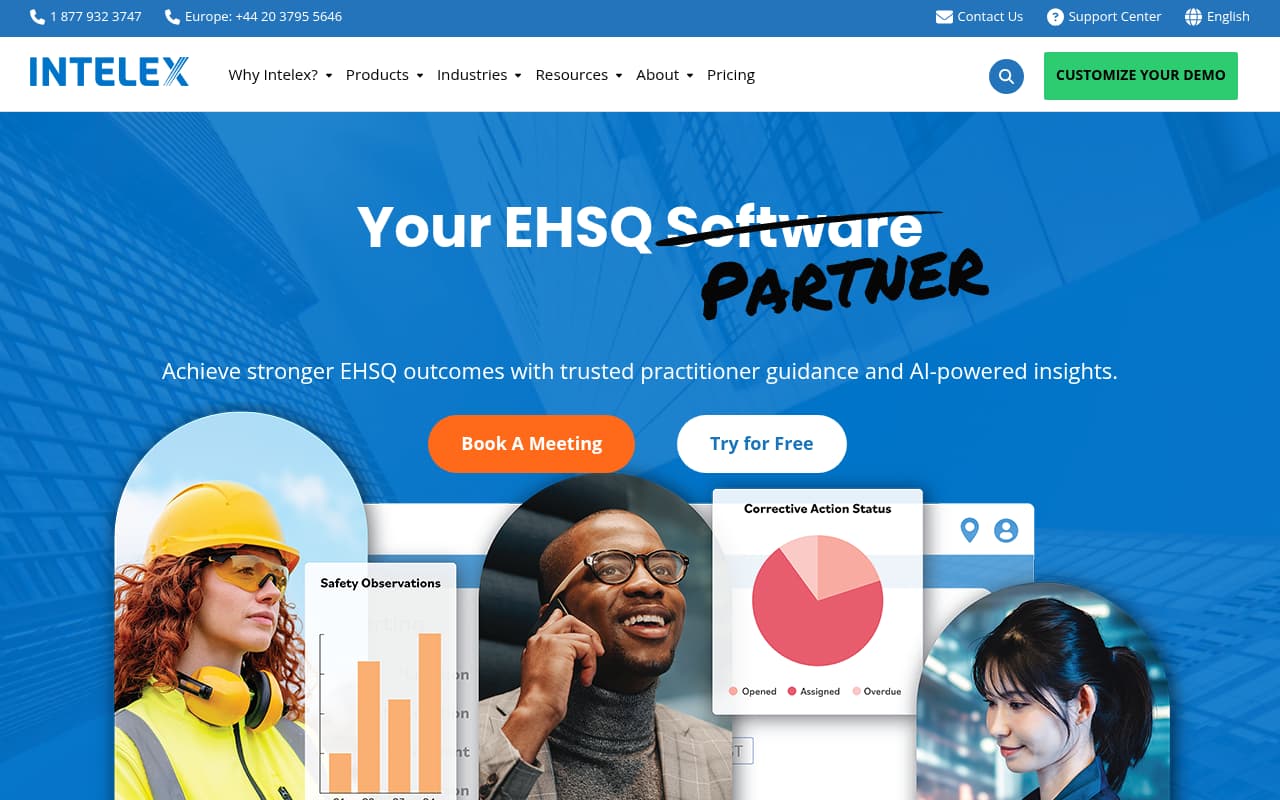
Intelex is an enterprise EHSQ platform that integrates corrective action tracking across safety, quality, and environmental workflows. For large organizations where a single finding might trigger corrective actions across multiple departments — a chemical spill that's both a safety incident and an environmental event, for example — Intelex provides the unified tracking that siloed tools can't. Corrective actions from OSHA safety inspections, ISO quality audits, and EPA environmental findings all live in one platform with shared reporting.
The multi-site capability is Intelex's practical differentiator for corrective action management. Corporate EHS directors can see corrective action completion rates, overdue item counts, and recurring finding patterns across every facility from a single dashboard. This rollup reporting is essential for organizations operating under consent decrees, corporate safety programs, or multi-site ISO certifications where corrective action timeliness is a key performance indicator.
The practical concern is usability. Users describe the CAPA module as difficult to navigate, and building custom reports for corrective action metrics requires data analysis skills that many safety managers don't have. More critically, recent reviews flag mobile offline reliability issues — field workers report data loss when syncing corrective action updates captured offline. For safety teams that depend on field workers updating action status from job sites with intermittent connectivity, this reliability gap is a material risk to the corrective action tracking workflow.
Key Features
Pros
- Unified CAPA tracking across safety, quality, and environmental findings — corrective actions from OSHA inspections, quality audits, and environmental incidents all live in one system with corporate-level visibility
- Multi-site rollup reporting lets corporate EHS teams see corrective action status across all facilities — which plants are closing actions on time, which have backlogs, and where systemic issues recur
- Verdantix-rated #1 Enterprise EHS — validated by independent analysts for enterprise-grade capability across the full EHSQ spectrum
Cons
- CAPA module navigation is described as difficult by users — finding the right corrective action among hundreds requires learning the platform's search and filtering conventions
- Reporting requires near-SQL-level knowledge to build custom reports — safety managers without data analysis skills struggle to extract the corrective action metrics they need
- Mobile offline mode has reliability issues according to recent user reviews — field workers report data loss and sync failures, which undermines trust in the corrective action tracking workflow
Verdict: The right choice for enterprise organizations needing unified CAPA across safety, quality, and environmental workflows with multi-site corporate visibility. The reporting power is real. But CAPA module usability and mobile reliability concerns mean plant-level safety teams may struggle with day-to-day corrective action management.
EHS Insight
Mid-market EHS platform with configurable corrective action workflows and strong offline mobile
Best For
Mid-size safety teams (50–500 employees) that need configurable corrective action tracking with mobile offline capability at mid-market pricing
Pricing
Starting ~$4,600/year; module-driven pricing with custom quotes; free trial available
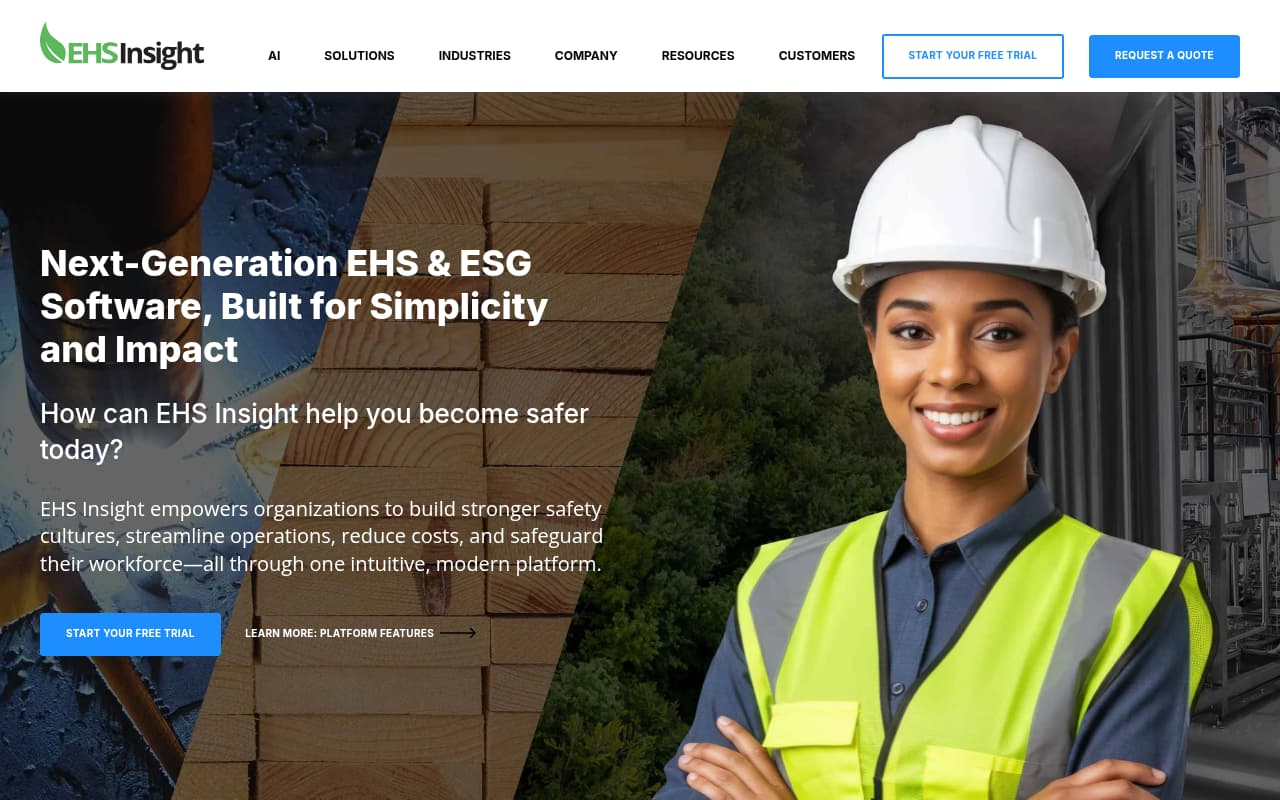
EHS Insight provides corrective action tracking as part of a broader mid-market EHS platform. Corrective actions can originate from incidents, audits, inspections, or management observations — any safety finding can create a tracked action with assigned responsibility, deadline, and resolution documentation. For safety teams that generate corrective actions from multiple sources (not just inspections), this flexibility is important because it keeps all actions in one tracking system.
The AI Copilot feature adds intelligence to corrective action prioritization. By analyzing patterns across open corrective actions, incident history, and observation data, the Copilot identifies SIF (Serious Injury & Fatality) precursors — the open corrective actions that, based on historical patterns, are most likely to result in serious injuries if not resolved. For safety managers juggling 50+ open corrective actions, this prioritization helps direct attention to the items that matter most.
The offline mobile capability is genuine and well-reviewed for corrective action updates. Field supervisors can update action status, add completion evidence, and close items from areas without connectivity. However, the initial setup requires meaningful configuration time — you're building corrective action workflows for your specific processes, not deploying a ready-made system. Mid-size safety teams with a few weeks to invest in setup will find the ongoing value strong. Teams needing same-day deployment should look at simpler tools.
Key Features
Pros
- Corrective actions can be created from incidents, audits, and inspections — not limited to a single data source; this flexibility lets safety managers track all corrective actions in one system regardless of origin
- Full offline mobile app means field workers can update corrective action status, add photos, and close items from areas with no connectivity — data syncs automatically when back online
- AI Copilot analyzes corrective action data to identify SIF precursors — surfaces the open corrective actions most likely to result in serious injuries if not addressed
Cons
- Initial configuration is time-consuming — corrective action workflows need to be set up for your specific processes, which takes weeks rather than the hours that simpler tools require
- Some users describe the incident-to-corrective-action workflow as confusing — the navigation path between modules isn't always intuitive for new users
- Training management module doesn't include OSHA-approved courses — if corrective actions require training remediation, you'll need a separate training provider
Verdict: A strong mid-market option for safety teams that need configurable corrective action tracking from multiple data sources with genuine offline capability. The AI prioritization is a practical differentiator. Best for teams willing to invest in setup for long-term workflow value.
Qualio
Cloud quality management system with CAPA for regulated industries — pharma, medtech, and biotech
Best For
Small-to-mid regulated companies (pharma, medical devices, biotech) where corrective actions must follow formal CAPA methodology for FDA and ISO 13485 compliance
Pricing
Starting ~$12,000/year; custom quotes based on user count and modules; free demo available
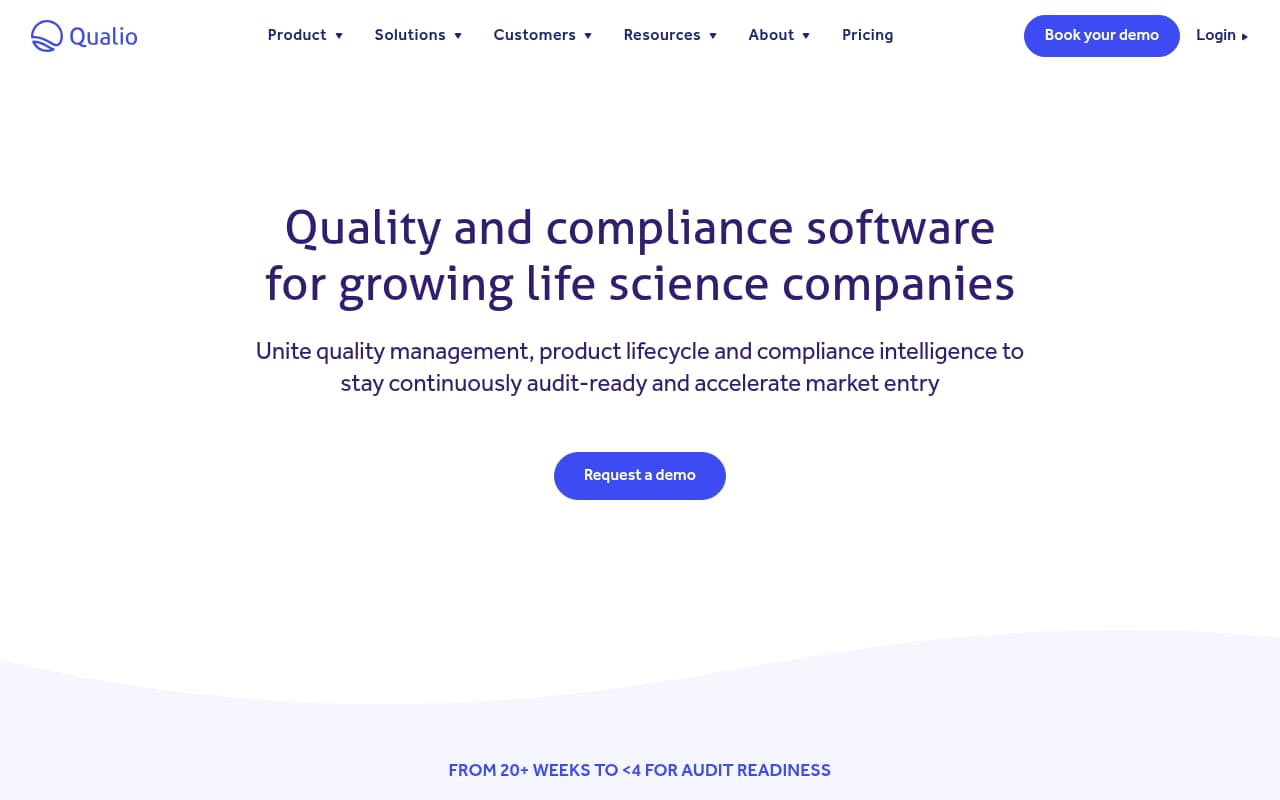
Qualio is a cloud-based quality management system designed for small-to-mid regulated companies — primarily pharmaceutical, medical device, and biotech manufacturers. It appears on this list because safety teams at regulated companies often search for "corrective action software" and find quality-focused CAPA tools. Qualio is the most user-friendly option in the regulated CAPA category, with a guided workflow that walks quality teams through each stage: investigation, root cause analysis, corrective action implementation, and effectiveness verification.
For small regulated companies that need formal CAPA methodology without enterprise pricing, Qualio fills a specific niche. At ~$12,000/year, it's significantly more affordable than ETQ ($25K+) while providing the FDA 21 CFR Part 11 compliance, electronic signatures, and audit trail documentation that regulatory inspectors require. The interface is genuinely intuitive — quality managers at 20-person biotech startups can manage CAPA workflows without dedicated software administrators.
The critical distinction for safety teams: Qualio is not a safety tool. There are no OSHA compliance features, no safety inspection capabilities, no incident management, and no mobile app for field use. If your corrective actions originate from safety audits, workplace incidents, or OSHA findings, Qualio doesn't connect to those data sources. It's a quality CAPA tool for regulated industries. Safety teams at regulated companies may use Qualio alongside a safety platform, but it doesn't replace safety-specific corrective action tracking.
Key Features
Pros
- User-friendly interface (4.6/5 on Capterra) makes formal CAPA workflows accessible to small quality teams that lack dedicated CAPA specialists — the guided workflow leads you through each CAPA stage
- FDA 21 CFR Part 11 compliance with electronic signatures means corrective action documentation meets the regulatory standard that FDA auditors verify during inspections
- Accessible pricing for small regulated companies (~$12K/year) compared to ETQ ($25K+) or MasterControl ($1,000/user/mo) — makes formal CAPA affordable for startups and small manufacturers
Cons
- No safety-specific features — no OSHA recordkeeping, no safety inspections, no incident management, no hazard reporting; this is a quality CAPA tool, not a safety corrective action tool
- No mobile app and no offline capability — all corrective action work happens in the browser, which is fine for quality teams at desks but useless for safety supervisors in the field
- Document editor is limited — users report needing to create documents in Word first and then upload to Qualio, which adds steps to the corrective action documentation process
Verdict: The best user-friendly CAPA platform for small regulated companies needing FDA and ISO compliance at an accessible price. Not a safety tool — no OSHA features, no mobile app, no field capability. Only relevant if your corrective actions are driven by quality compliance, not workplace safety.
Side-by-side feature comparison
| Software | Best For | Starting Price | Auto-Create from Audits | Root Cause Analysis | Mobile/Offline | OSHA Compliance | Safety Focus |
|---|---|---|---|---|---|---|---|
| BasinCheck | Safety audit → action | $149/mo flat | ✓ (automatic) | Free-text notes | ✓ (full offline-first) | ✓ (300/300A/301) | Purpose-built |
| ETQ Reliance | Enterprise quality CAPA | ~$25,000/year | Yes | 8D, fishbone, 5-why | Partial | No | Quality-first |
| ComplianceQuest | Salesforce orgs | ~$55/user/mo total | Yes | AI-assisted + fishbone | Partial | Yes | Quality + safety |
| SafetyCulture (iAuditor) | Mobile field tracking | Free / $24/user/mo | ✓ (during inspection) | No | ✓ (best-in-class) | Templates only | Inspection-first |
| Intelex | Multi-site enterprise | ~$13/user/mo | Yes | Configurable | Unreliable | Yes | EHSQ unified |
| EHS Insight | Mid-market EHS | ~$4,600/year | Yes | Configurable | ✓ (full offline) | Partial | EHS platform |
| Qualio | Regulated CAPA (FDA) | ~$12,000/year | Manual | Formal CAPA stages | No | No | Quality only |
How we evaluated these tools
We evaluated 15+ corrective action and CAPA platforms and selected these 7 based on criteria that matter most to safety teams managing workplace hazard remediation:
- Audit-to-action automation — Does the platform automatically create corrective actions from failed inspection items, or does the safety manager need to manually enter each action into a separate system?
- Field usability — Can supervisors update corrective action status, add completion photos, and close items from a phone at the job site? Or does corrective action management require a laptop at a desk?
- Escalation and tracking — Does the platform automatically flag overdue corrective actions, escalate to managers, and provide dashboard visibility into open vs. closed items? Or does the safety manager need to manually chase assignees?
- OSHA compliance integration — Do corrective actions from incidents flow into OSHA recordkeeping? Can you demonstrate to an OSHA inspector that findings were addressed with documented corrective actions?
- Safety vs. quality focus — Is the tool designed for safety teams managing workplace hazards, or for quality teams managing pharmaceutical CAPA? The workflow requirements are fundamentally different.
- Cost for safety team deployment — Can you afford to give every field supervisor access, or does per-user pricing limit corrective action tracking to the safety office?
Product information was gathered from official vendor websites, verified user reviews on G2, Capterra, and GetApp, and direct feature evaluation. Pricing was confirmed through published pricing pages or recent (2025–2026) third-party review sources.
Frequently Asked Questions
What is corrective action tracking software for safety teams?
Corrective action tracking software helps safety teams manage the lifecycle of fixes identified during audits, inspections, and incident investigations. When a safety audit finds a hazard — a missing guard, expired extinguisher, or damaged equipment — the software creates a corrective action, assigns it to someone responsible, sets a deadline, tracks completion, and maintains documentation that proves the fix was implemented. This audit trail is what OSHA inspectors look for during compliance reviews.
What is the difference between corrective action software and CAPA software?
CAPA (Corrective and Preventive Action) software is a formal quality management methodology used primarily in FDA-regulated industries (pharma, medical devices). It includes structured root cause analysis, preventive action planning, and effectiveness verification. Corrective action software for safety teams focuses on the practical workflow: find a problem during an audit → assign someone to fix it → track completion → document the fix. Safety teams typically need the latter. Quality teams at regulated companies need formal CAPA. Some platforms (ComplianceQuest, Intelex) bridge both.
How does corrective action software integrate with safety audits?
The best integration automatically creates corrective actions when audit items fail. BasinCheck creates actions directly from failed audit findings with assigned responsibility and deadlines. SafetyCulture lets inspectors create actions during the inspection from the mobile app. ETQ, ComplianceQuest, and Intelex support audit-to-CAPA workflows. The key question is whether the connection is automatic (action is created without manual entry) or manual (you finish the audit, then separately create corrective actions in another module).
Do I need corrective action software for OSHA compliance?
OSHA doesn't require specific software, but it does require documented corrective actions for hazards identified during inspections. During an OSHA audit, inspectors review whether identified hazards were addressed with documented corrective measures. Software automates this documentation — creating the audit trail that shows what was found, what was done, who was responsible, and when it was completed. Without this documentation, the same hazard identified in consecutive audits becomes evidence of willful non-compliance, which carries penalties up to $163,000 per violation.
Can corrective action software work offline for field safety teams?
Only some platforms support genuine offline corrective action management. BasinCheck and EHS Insight offer full offline capability — field workers can create, update, and close corrective actions without connectivity. SafetyCulture provides strong offline for inspection-based actions. Intelex has offline capability but users report reliability issues. ETQ and Qualio are primarily desktop-based without meaningful offline support. For safety teams with field workers at remote sites, offline capability should be a primary evaluation criterion.
Final verdict
Corrective action tracking is the accountability layer of your safety program. Audits find problems. Incident investigations identify root causes. But corrective actions are where those findings become fixes — and where the documentation trail proves to OSHA, your insurance carrier, and your clients that you actually address what you find. Software that automates this workflow eliminates the spreadsheet gap where corrective actions go to die.
BasinCheck is our top pick for safety teams because it auto-creates corrective actions from failed audit items, tracks them to resolution with photo evidence and GPS documentation, and does it at flat pricing that lets every field supervisor participate. ETQ Reliance is the right choice for organizations needing formal CAPA methodology for quality and regulatory compliance. SafetyCulture offers the best mobile experience for inspection-driven corrective actions. And EHS Insight provides the strongest mid-market option with genuine offline capability.
The corrective action you don't track is the one that becomes a repeat finding on your next audit — or worse, a repeat incident. Pick the tool that matches your workflow, deploy it to the people who actually fix things (not just the people who find them), and close the loop between safety findings and safety outcomes.